🎃 Halloween Sale — Scary Good Deals, Up to 20% OFF! Don't be spooked by these prices — grab them before they disappear at midnight.
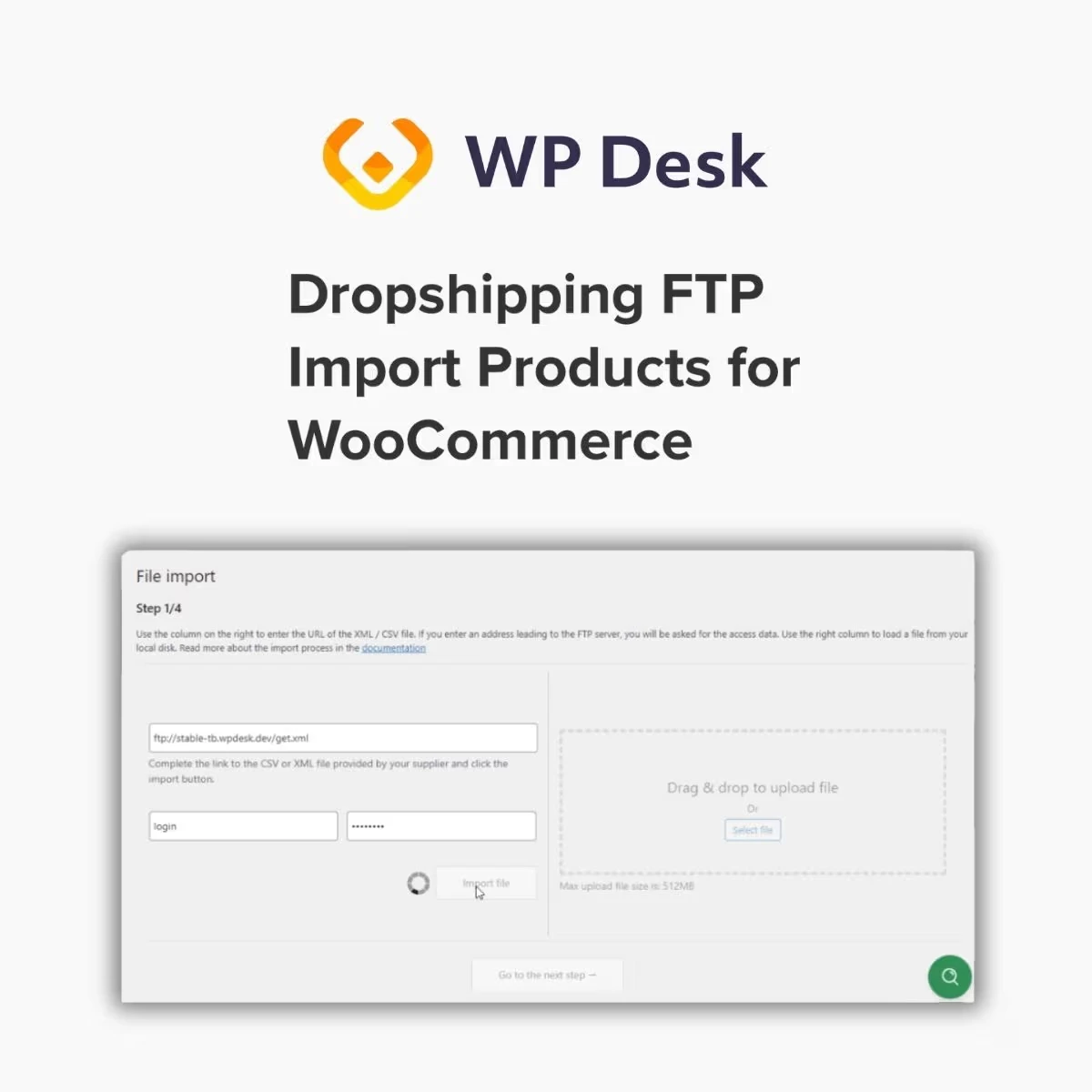
WPDesk Dropshipping FTP Import Products for WooCommerce is a product import solution designed to help dropshipping businesses transfer supplier product data from FTP servers into WooCommerce stores. It supports a more structured approach to catalog management by helping store owners import product information and manage updates with less repetitive manual work. For online retailers working with supplier catalogs, this type of integration can simplify product data handling, support inventory and pricing updates, and help maintain an organized WooCommerce product catalog. It is particularly useful for stores that receive product information through FTP-based supplier data feeds.
WPDesk Dropshipping FTP Import Products for WooCommerce – Automated Supplier Product Import
WPDesk Dropshipping FTP Import Products for WooCommerce is a product import solution designed to help dropshipping businesses transfer supplier product data from FTP servers into WooCommerce stores. It supports a more structured approach to catalog management by helping store owners import product information and manage updates with less repetitive manual work.
For online retailers working with supplier catalogs, this type of integration can simplify product data handling, support inventory and pricing updates, and help maintain an organized WooCommerce product catalog. It is particularly useful for stores that receive product information through FTP-based supplier data feeds.
FTP Product Import: Import supplier product data from supported FTP sources.
WooCommerce Product Import: Transfer supported product information into a WooCommerce store.
Dropshipping Product Management: Help organize supplier products within a dropshipping workflow.
Supplier Data Import: Process product data provided by compatible suppliers.
Automated Product Updates: Streamline recurring product updates where supported.
Bulk Product Import: Import multiple product records through a configured workflow.
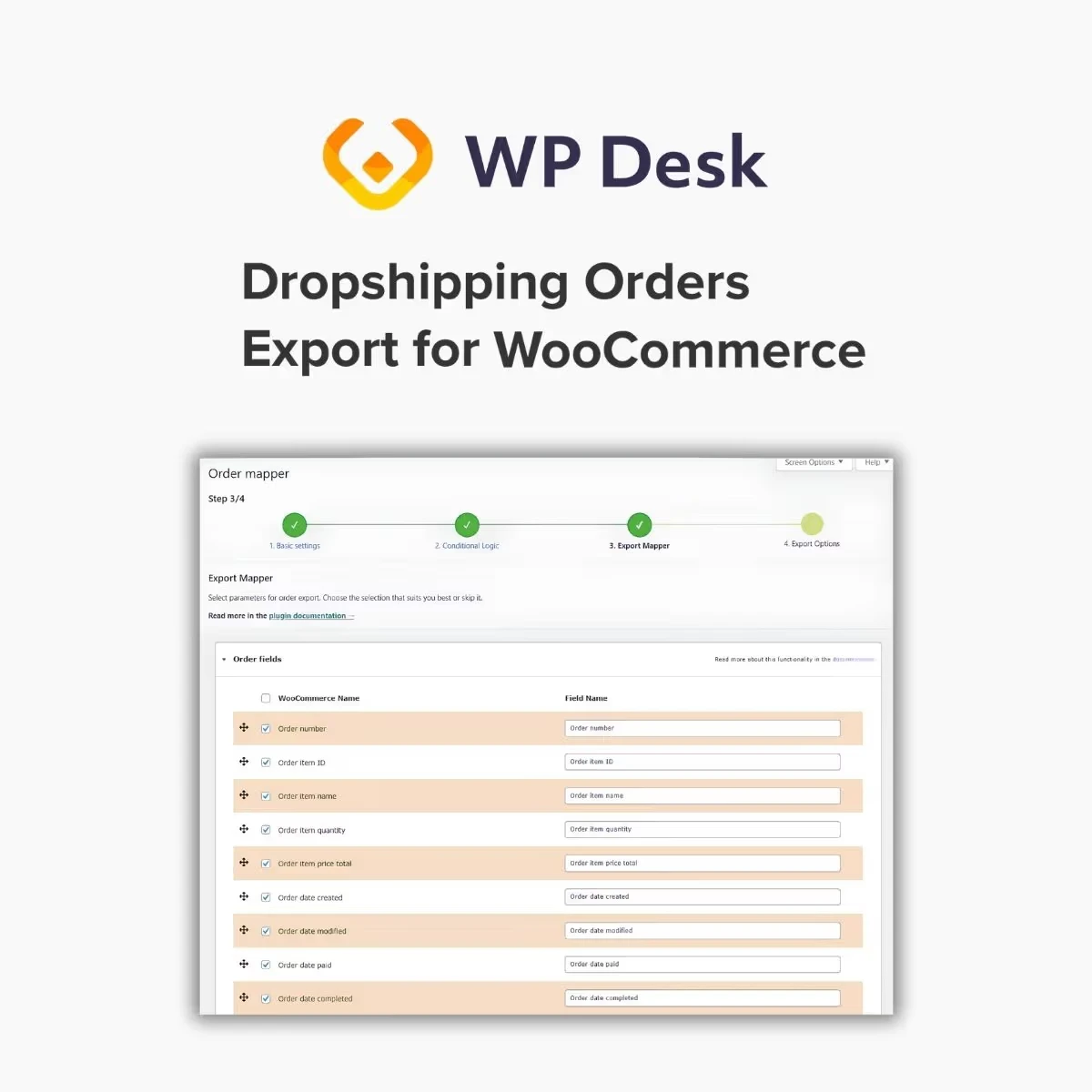
Product Data Mapping: Match supplier fields with the relevant WooCommerce product fields.
Inventory Data Import: Import supported stock and inventory information.
Pricing Data Import: Transfer supported supplier pricing data into product records.
Category Assignment: Organize imported products using suitable WooCommerce categories where supported.
Scheduled Imports: Configure recurring import tasks if scheduling is available in your version.
Supplier Catalog Synchronization: Help maintain catalog consistency through repeat imports and update workflows.
Use supported FTP connections to access supplier product files and bring product information into your WooCommerce store. This can reduce the need to download and process supplier files manually each time new data becomes available.
Import supported supplier data into WooCommerce product records. A structured import process can help retailers maintain product descriptions, identifiers, pricing, inventory, and other available fields in one central store catalog.
Organize product information received from compatible suppliers and use it as part of your store's catalog workflow. Consistent source data can make it easier to manage a growing inventory of products from multiple supplier feeds.
Reduce repetitive administration by configuring recurring product updates where supported. Depending on the source data and field mapping, updates may help keep selected product details aligned with the latest supplier information.
Always review which fields will be updated to avoid unintentionally replacing customized descriptions, prices, or other store-specific information.
Process multiple supplier product records in an import operation instead of entering every product individually. This can save time when launching a new catalog or expanding an existing dropshipping store.
Map the supplier's data fields to the appropriate WooCommerce fields. Proper mapping helps ensure that product identifiers, descriptions, prices, stock values, and other available attributes are imported into the intended locations.
Import supported inventory information to help maintain product availability records. Accurate stock data is especially important for dropshipping stores that depend on supplier inventory.
Confirm how the import handles missing stock values and unavailable products before enabling automatic updates.
Bring supported pricing information into WooCommerce using the configured field mappings. Before applying supplier price updates, establish appropriate pricing rules and verify that imported values use the expected currency and format.
Assign imported products to appropriate WooCommerce categories where supported. A clear category structure can improve store navigation and help customers discover relevant products.
Where scheduling is available, configure recurring imports to process supplier data at planned intervals. This can help reduce manual work and support more consistent catalog maintenance.
The reliability of synchronization depends on supplier feed quality, update frequency, connection availability, and the configured import rules.
Get Support
Please Sign In to contact our support.