🎃 Halloween Sale — Scary Good Deals, Up to 20% OFF! Don't be spooked by these prices — grab them before they disappear at midnight.
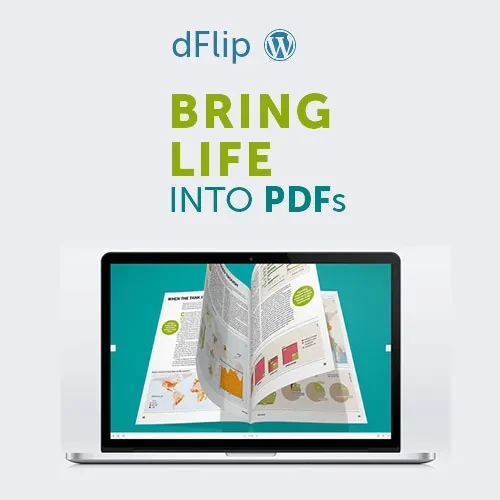
dFlip PDF FlipBook WordPress Plugin is a digital publishing solution that transforms PDF documents into interactive flipbooks on WordPress websites. It enables website owners to present magazines, brochures, product catalogs, portfolios, reports, and other documents in an engaging page-turning format. With its interactive PDF viewer, realistic page-turning effects, zoom controls, navigation features, and responsive presentation, dFlip helps create a more engaging way for visitors to browse digital publications online. It is suitable for businesses, publishers, educational institutions, designers, and organizations that want to display documents in an attractive, reader-friendly format.
dFlip PDF FlipBook WordPress Plugin – Interactive PDF Viewer & Digital Publishing Solution
dFlip PDF FlipBook WordPress Plugin is a digital publishing solution that transforms PDF documents into interactive flipbooks on WordPress websites. It enables website owners to present magazines, brochures, product catalogs, portfolios, reports, and other documents in an engaging page-turning format.
With its interactive PDF viewer, realistic page-turning effects, zoom controls, navigation features, and responsive presentation, dFlip helps create a more engaging way for visitors to browse digital publications online. It is suitable for businesses, publishers, educational institutions, designers, and organizations that want to display documents in an attractive, reader-friendly format.
PDF FlipBook Integration: Display PDF documents as interactive flipbooks on WordPress websites.
Interactive PDF Viewer: Allow visitors to browse digital documents through an interactive viewing interface.
Realistic Page Turning: Create a book-like reading experience with page-turning effects.
Digital Magazine Display: Present digital magazines and publications in an engaging format.
Online PDF Publishing: Publish supported PDF documents directly on your website for convenient online viewing.
Catalog and Brochure Support: Showcase product catalogs, company brochures, and promotional publications.
Interactive Document Presentation: Make document browsing more engaging with interactive viewing controls.
Custom FlipBook Layouts: Configure available display and layout settings to suit your website.
Zoom and Navigation Controls: Help readers zoom in on document details and navigate through pages.
Responsive FlipBook Design: Provide a document-viewing experience adapted to different screen sizes, depending on configuration and device support.
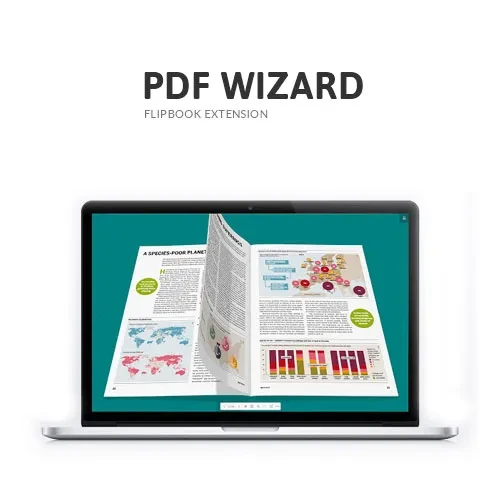
Convert supported PDF documents into interactive flipbooks that can be displayed on your WordPress website. This provides an alternative to presenting documents as basic downloadable files and allows visitors to browse publications within the website.
Give visitors an interactive interface for viewing PDF-based publications. Readers can explore document pages and use the available viewing controls to navigate through the content.
Create a digital book-style experience with page-turning animations. This presentation style can make publications feel more engaging than a conventional embedded PDF viewer.
Display digital magazines, newsletters, journals, and other publications in a flipbook format. Publishers and organizations can use this presentation method to make their digital content easier to explore.
Present product catalogs, service brochures, company profiles, and marketing materials through an interactive viewer. This can help businesses showcase product information and promotional content directly on their websites.
Use flipbook-style viewing to make reports, portfolios, presentations, and other supported documents more visually engaging. The interactive format provides visitors with a convenient way to browse multi-page publications.
Adjust available display settings to create a presentation that suits your website. Depending on the installed version, customization options may include viewer appearance, layout behavior, and other presentation settings.
Allow readers to explore document details using supported zoom and navigation controls. These features can be useful when viewing publications containing small text, detailed diagrams, product specifications, or high-resolution images.
Make digital publications accessible across desktop computers, tablets, and mobile devices. Actual behavior may depend on the PDF, viewer configuration, theme compatibility, and device capabilities, so testing on different screen sizes is recommended.
Get Support
Please Sign In to contact our support.