Exclusive Coupon — Use Code SAVE10 for Instant Savings! Apply at checkout for your special discount. Limited uses — grab it while you can.
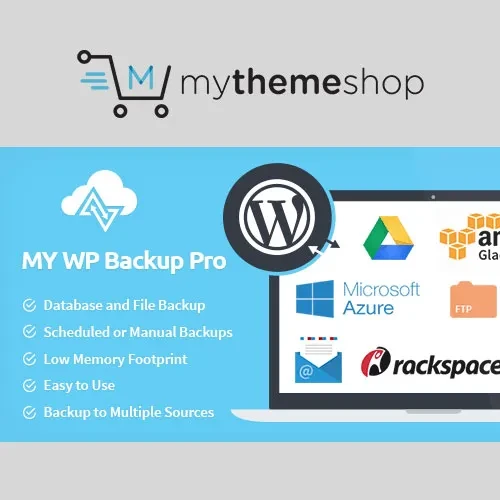
MyThemeShop My WP Backup Pro is a practical WordPress backup solution designed to help website owners protect their sites from accidental data loss, unexpected errors, and downtime. It provides flexible backup controls, scheduled backup routines, incremental backups, selective backup options, restoration tools, and migration capabilities. Whether you manage a personal blog, business website, WooCommerce store, or multiple WordPress installations, My WP Backup Pro gives you greater control over how your website data is backed up, stored, restored, and transferred.
MyThemeShop My WP Backup Pro – WordPress Backup & Migration Plugin
MyThemeShop My WP Backup Pro is a practical WordPress backup solution designed to help website owners protect their sites from accidental data loss, unexpected errors, and downtime. It provides flexible backup controls, scheduled backup routines, incremental backups, selective backup options, restoration tools, and migration capabilities.
Whether you manage a personal blog, business website, WooCommerce store, or multiple WordPress installations, My WP Backup Pro gives you greater control over how your website data is backed up, stored, restored, and transferred.
Create a website backup quickly with a simple one-click process, making it convenient to protect your WordPress installation whenever required.
Set recurring backup schedules so your website can be backed up regularly without requiring you to start every backup manually.
Use incremental backup functionality to save only the data that has changed since the previous backup, helping reduce unnecessary backup processing and storage requirements.
Store backup copies in different destinations to maintain additional copies of your important website data.
Restore your website using an available backup when you need to recover previously saved files or database information.
Choose specific files, folders, or other website components that should be excluded from a backup when a complete backup is not required.
Optimize your WordPress database as part of your website maintenance and backup workflow.
Receive notifications about backup operations so you can keep track of important backup activities.
Review backup activity through logs, making it easier to monitor previous backup operations and identify potential issues.
Configure backup intervals according to your website's update frequency and protection requirements.
Select specific website files or file groups that you want to include in your backup.
Create database-focused backups when you need to preserve your WordPress database separately.
Back up your WordPress themes independently when you want to protect or transfer theme-related files.
Create backups of installed plugin files to help preserve your site's plugin configuration and functionality.
Protect media-related website resources such as images and other uploaded content.
Back up the WordPress uploads directory and its associated content for additional protection of user-uploaded files.
Include other selected WordPress resources that may not fall into the standard file, theme, plugin, or media categories.
Use existing backup data to support WordPress website migration and transfer workflows.
Manage backups for WordPress Multisite environments and help protect multiple sites within a network.
Benefit from ongoing product improvements and support resources designed to help maintain a reliable backup workflow.
Get Support
Please Sign In to contact our support.