Exclusive Coupon — Use Code SAVE10 for Instant Savings! Apply at checkout for your special discount. Limited uses — grab it while you can.
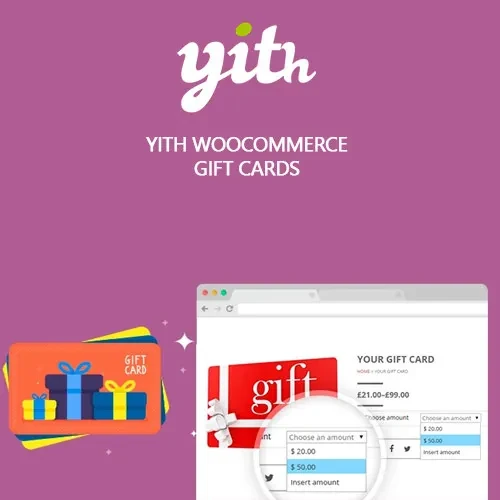
YITH WooCommerce Gift Cards Premium adds a flexible gift-card system to your WooCommerce store, allowing customers to purchase gift cards for friends, family members, or other recipients. Store owners can create branded gift cards, define available values, manage delivery options, and let customers redeem gift cards during checkout. Gift cards can also help attract new shoppers, encourage repeat purchases, and provide customers with a convenient alternative to choosing a specific product as a gift.
YITH WooCommerce Gift Cards Premium – Digital & Physical Gift Card Plugin YITH WooCommerce Gift Cards Premium adds a flexible gift-card system to your WooCommerce store, allowing customers to purchase gift cards for friends, family members, or other recipients. Store owners can create branded gift cards, define available values, manage delivery options, and let customers redeem gift cards during checkout. Gift cards can also help attract new shoppers, encourage repeat purchases, and provide customers with a convenient alternative to choosing a specific product as a gift. Key Features of YITH WooCommerce Gift Cards Premium Custom Gift Card Designs: Create attractive gift cards using your preferred images, branding elements, messages, and available design options. Digital & Physical Delivery: Offer electronic gift cards through supported delivery methods or provide physical gift card options where applicable. Flexible Gift Values: Configure predefined amounts, variable values, or customer-selected gift card amounts. Expiration Controls: Set validity periods and configure expiration rules according to your store's requirements. Gift Card Balance Management: Monitor issued cards, redeemed amounts, remaining balances, and other gift card information from the administration area. Partial Checkout Payments: Allow shoppers to apply part of their gift card balance toward an order and pay the remaining amount using another available payment method. WooCommerce Checkout Integration: Integrates with the WooCommerce shopping and checkout workflow for a consistent purchasing experience. Multilingual & Multi-Currency Support: Suitable for international stores using multilingual configurations and multiple currencies. Automated Email Delivery: Send purchased gift card information and codes through configurable email notifications. Personalized Gift Messages: Give customers the option to include messages that make their gift purchases more personal. What’s Included YITH WooCommerce Gift Cards Premium plugin ZIP package Access to the available premium gift-card functionality Gift card customization and configuration options Product and checkout integration features Plugin updates and applicable security fixes Compatibility with supported WooCommerce versions Documentation and configuration guidance License Notice: Availability of updates, support, site usage, and premium services depends on the applicable product license and distribution terms. Installation Instructions Download the YITH WooCommerce Gift Cards plugin ZIP package. Log in to your WordPress administration dashboard. Navigate to Plugins → Add New → Upload Plugin. Select the downloaded ZIP file and complete the installation. Activate the plugin. Open the WooCommerce → Gift Cards settings area. Configure gift card values, delivery options, expiration rules, emails, and other available settings. Create your gift card products. Publish the gift card products and test the purchasing and redemption process before making them available to customers. Frequently Asked Questions Can I sell digital gift cards with WooCommerce? Yes. The plugin is designed to let WooCommerce stores offer digital gift cards and deliver gift card information through supported electronic delivery options. Can I create physical gift cards? The available functionality can support physical gift card workflows where configured. Delivery and fulfillment requirements may depend on your store setup. Can customers choose the gift card amount? Yes. You can configure fixed values, variable amounts, or other supported amount-selection options. Can customers combine a gift card with another payment method? Yes. Partial gift card payments can allow customers to use their available balance and pay any remaining order amount using another supported payment method. Can I set an expiration date? Yes. Gift card validity and expiration settings can be configured according to the available plugin options. Does it support multilingual stores? The plugin can be used with multilingual WooCommerce configurations and compatible translation solutions such as WPML. Always verify compatibility with your specific WordPress setup.
Get Support
Please Sign In to contact our support.