🎃 Halloween Sale — Scary Good Deals, Up to 20% OFF! Don't be spooked by these prices — grab them before they disappear at midnight.
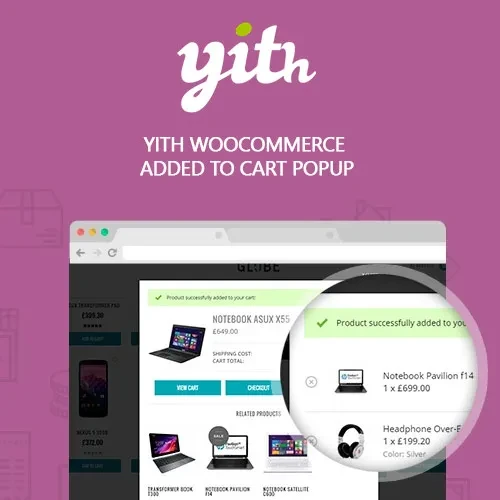
YITH WooCommerce Added to Cart Popup Premium enhances the WooCommerce shopping experience by displaying a customizable popup whenever customers add a product to their cart. Instead of automatically sending shoppers to another page, the popup provides instant confirmation and gives them convenient options to continue shopping or proceed directly to checkout. The popup can also display product information, cart details, related products, cross-sells, and upsells, helping you create additional sales opportunities while keeping customers engaged.
YITH WooCommerce Added to Cart Popup Premium (GPL) Boost WooCommerce Sales with an Interactive Add to Cart Popup YITH WooCommerce Added to Cart Popup Premium enhances the WooCommerce shopping experience by displaying a customizable popup whenever customers add a product to their cart. Instead of automatically sending shoppers to another page, the popup provides instant confirmation and gives them convenient options to continue shopping or proceed directly to checkout. The popup can also display product information, cart details, related products, cross-sells, and upsells, helping you create additional sales opportunities while keeping customers engaged. Feature Highlights 🛒 Display a customizable WooCommerce add to cart popup 🖼️ Show product image, name, price, quantity, and cart information 🔗 Add quick View Cart, Checkout, or Continue Shopping actions 📦 Display related, cross-sell, and upsell products ⚡ Use AJAX-powered add-to-cart interactions without unnecessary page reloads 🎨 Customize popup layouts, colors, appearance, and animations 📱 Fully responsive and optimized for mobile shoppers 🛍️ Improve product discovery and encourage additional purchases 🔓 GPL licensed for flexible website usage Detailed Overview YITH WooCommerce Added to Cart Popup Premium gives WooCommerce store owners greater control over what customers see immediately after adding a product to their cart. Rather than relying on a basic cart notification or redirect, you can display an attractive popup containing relevant product and cart information. Customers can quickly review what they have added and choose whether to continue shopping or move directly to checkout. The popup can also be used as a merchandising tool by presenting related products, cross-sells, and upsells at an important point in the customer journey. This can help increase product exposure and encourage customers to add more items to their orders. How the WooCommerce Add to Cart Popup Works The plugin creates a streamlined interaction after a customer adds an item to the cart: The customer clicks Add to Cart. The product is added to the WooCommerce cart. A customizable popup appears without requiring an unnecessary page redirect. The popup displays relevant product or cart information. Customers can continue shopping, view their cart, or proceed to checkout. Related and recommended products can be displayed to encourage additional purchases. Perfect for Different WooCommerce Stores The WooCommerce Add to Cart Popup can be useful for many types of online stores, including: Fashion and clothing stores Electronics shops Beauty and cosmetics stores Furniture and home decor websites Digital product stores Subscription and membership businesses Large product catalogs Retail stores using WooCommerce Comparison Table Capability YITH Added to Cart Popup Default WooCommerce Add to Cart Popup ✅ Customizable popup ❌ Basic notification/redirect Product Information ✅ Image, name, price, quantity ⚠️ Limited Cross-Sell & Upsell Products ✅ Supported ⚠️ Basic WooCommerce features Quick Checkout Link ✅ Supported ⚠️ Requires navigation Continue Shopping Option ✅ Available in popup ⚠️ Basic AJAX Interaction ✅ Supported ✅ Available depending on setup Popup Design Customization ✅ Extensive options ❌ Limited Mobile Responsive ✅ Yes ✅ Theme dependent Installation Guide Download YITH WooCommerce Added to Cart Popup Premium (GPL) from your chosen GPL source. Log in to your WordPress administrator dashboard. Go to Plugins → Add New → Upload Plugin. Upload the plugin ZIP file. Click Install Now and activate the plugin. Open the plugin settings from the WordPress dashboard. Configure popup content, layout, appearance, and behavior. Enable related, cross-sell, or upsell products if required. Test the add-to-cart experience on desktop and mobile devices.
Get Support
Please Sign In to contact our support.