🎃 Halloween Sale — Scary Good Deals, Up to 20% OFF! Don't be spooked by these prices — grab them before they disappear at midnight.
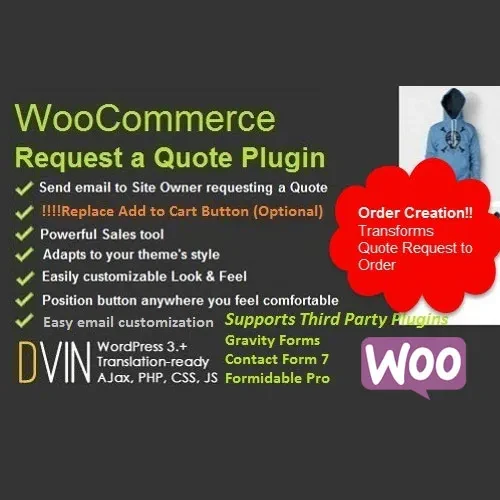
WooCommerce Request a Quote is a useful WooCommerce solution for businesses that prefer to receive pricing inquiries before completing a purchase. It is especially suitable for B2B stores, wholesale businesses, customized products, professional services, and higher-value items where pricing may depend on customer requirements. The plugin allows store owners to replace or supplement standard purchasing buttons with a Request a Quote option, collect detailed customer inquiries, manage quotations, and turn approved quotes into WooCommerce orders.
WooCommerce Request a Quote (GPL) – Flexible Quotation Management WooCommerce Request a Quote is a useful WooCommerce solution for businesses that prefer to receive pricing inquiries before completing a purchase. It is especially suitable for B2B stores, wholesale businesses, customized products, professional services, and higher-value items where pricing may depend on customer requirements. The plugin allows store owners to replace or supplement standard purchasing buttons with a Request a Quote option, collect detailed customer inquiries, manage quotations, and turn approved quotes into WooCommerce orders. ✨ Feature Highlights Request a Quote Button: Replace or display the standard Add to Cart option with a quote request button for selected products, categories, or customer roles.
Multi-Product Quote Cart: Let customers add several products to a quotation list and submit them together as one inquiry. Custom Quote Forms: Collect additional details such as company information, tax details, project requirements, notes, deadlines, and file attachments. Flexible Price Visibility: Hide product prices or display a login message for selected customers and user roles.
Email Notifications: Send quote-related notifications to customers and store administrators using configurable email templates. Quote Management: Create, update, review, and manage customer quotations from the WooCommerce administration area. Quote Expiration: Set validity periods for quotations and manage expired requests.
Quote-to-Order Conversion: Convert an approved quotation into a WooCommerce order while retaining the relevant product and customer information. Conditional Rules: Configure quote availability according to products, categories, customer roles, or other supported conditions. Quantity & Pricing Controls: Support minimum quantities and additional pricing information for wholesale or bulk inquiries.
Consent & Security Options: Add customer consent fields and use supported spam-protection methods for quote forms. 📖 Detailed Overview Traditional ecommerce checkout is not always suitable for businesses that negotiate pricing before confirming an order. WooCommerce Request a Quote provides an organized quotation workflow for these situations. Customers can select the products they are interested in, add them to a quote list, provide additional information, and submit their request.
Store administrators can then review the inquiry, adjust quantities or pricing where required, and provide a quotation to the customer. The system can also be configured to display quotation options only for specific products, categories, or customer groups. This makes it useful for wholesale catalogs, custom manufacturing, corporate purchasing, furniture, professional services, and other businesses where final pricing may vary.
For additional customer information, quote forms can include fields such as company name, project requirements, delivery information, notes, and file attachments. This can help businesses collect the details required before preparing a quotation. 📊 Comparison Capability WooCommerce Request a Quote Manual Email Requests Multi-Product Quote Cart ✔ Included ✖ Manual process Conditional Quote Buttons ✔ Rule-based options ✖ Not available Price Visibility Controls ✔ Flexible ✖ Usually requires customization Quote-to-Order Workflow ✔ Integrated ✖ Manual order creation Quote Updates & Expiration ✔ Organized management ✖ Email-based tracking Customer Quote Forms ✔ Customizable fields ✖ Separate forms required WooCommerce Integration ✔ Yes ✖ Limited
Get Support
Please Sign In to contact our support.