Exclusive Coupon — Use Code SAVE10 for Instant Savings! Apply at checkout for your special discount. Limited uses — grab it while you can.
WooCommerce Product Size Guide is a practical WooCommerce solution for adding clear, attractive, and customizable sizing information directly to your product pages. It is especially useful for clothing, footwear, fashion, jewelry, and accessory stores where choosing the correct size can strongly influence the customer’s buying decision. With flexible size charts, product- and category-specific assignments, tables, images, descriptive content, and responsive layouts, store owners can provide shoppers with the information they need before placing an order.
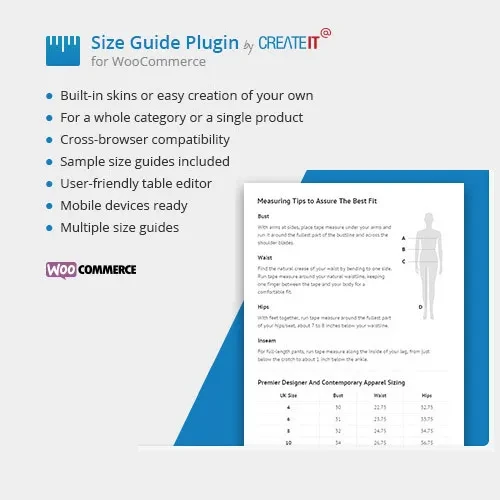
WooCommerce Product Size Guide (GPL) WooCommerce Product Size Guide is a practical WooCommerce solution for adding clear, attractive, and customizable sizing information directly to your product pages. It is especially useful for clothing, footwear, fashion, jewelry, and accessory stores where choosing the correct size can strongly influence the customer’s buying decision. With flexible size charts, product- and category-specific assignments, tables, images, descriptive content, and responsive layouts, store owners can provide shoppers with the information they need before placing an order. The plugin is available as a GPL-licensed package from 5ivecode.com, with the package including lifetime free updates and limited email support according to the distributor’s terms. Feature Highlights Add customized size charts directly to WooCommerce product pages Create multiple or unlimited size guides for different product ranges Assign guides globally, by category, or to individual products Build charts using tables, images, measurements, and descriptive text Use shortcodes where supported for flexible content placement Present sizing information in a responsive layout for mobile and tablet shoppers Create different guides for clothing, footwear, accessories, and other product types Give customers clearer sizing information before checkout Improve the overall product-page shopping experience GPL-licensed distribution with updates included according to the package terms Detailed Overview Shopping for products such as clothing and footwear online can be difficult when customers do not know how product measurements correspond to available sizes. A well-designed size guide can make this process much easier. WooCommerce Product Size Guide allows store administrators to create detailed sizing resources and display the appropriate information alongside their products. Instead of adding the same static information to every product description, you can maintain dedicated guides and assign them according to your catalog structure. For example, a clothing store could create separate guides for: Men's shirts Women's dresses Jeans and trousers Children's clothing Shoes and footwear Jackets and coats Accessories This approach keeps sizing information organized while allowing customers to quickly find the measurements relevant to the product they are viewing. Create Flexible Size Charts Build size guides that match the needs of your store. You can organize measurements into structured tables and supplement them with explanatory text or images. A typical chart could contain information such as: Size Chest Waist Hip Length S 36" 30" 38" 27" M 38" 32" 40" 28" L 40" 34" 42" 29" XL 42" 36" 44" 30" The exact measurements and fields can be customized according to your products and sizing system. Assign Guides by Product or Category Different products often require different sizing information. The plugin lets you organize your guides and apply them where they are relevant. You can use different assignment levels such as: Store-wide sizing information Product-category-specific guides Individual product guides This is particularly helpful for stores selling several brands or product types that use different measurement standards. Tables, Images, and Descriptive Content Not every size guide needs to be a simple table. Some products benefit from diagrams or additional explanations. Depending on the available plugin functionality, you can combine: Measurement tables Product sizing instructions Images and visual measurement diagrams Additional explanatory text Brand-specific sizing information Shortcode-based content Visual instructions can be especially useful when customers need to understand where and how measurements should be taken.
Get Support
Please Sign In to contact our support.