🎃 Halloween Sale — Scary Good Deals, Up to 20% OFF! Don't be spooked by these prices — grab them before they disappear at midnight.
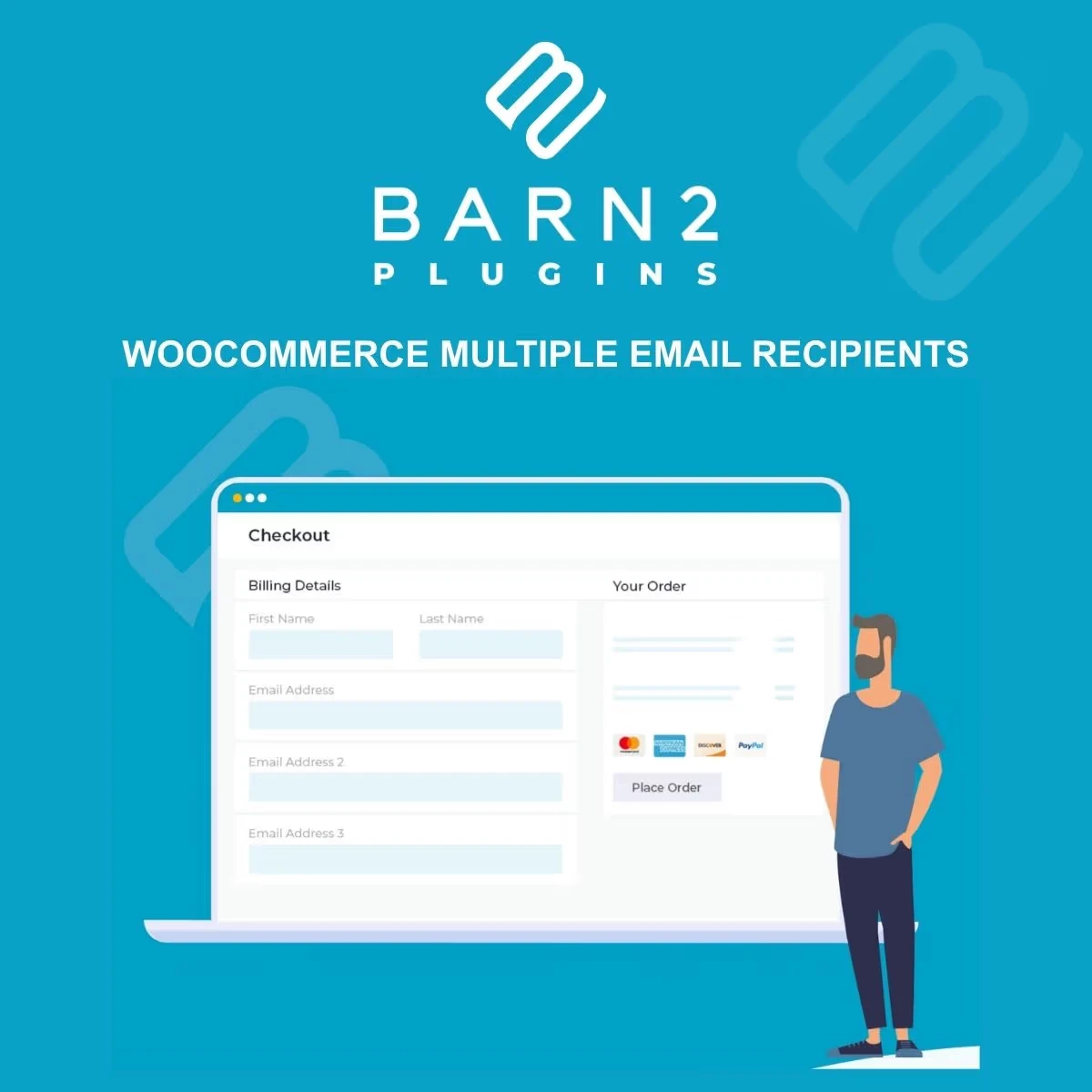
WooCommerce Multiple Email Recipients is a practical WooCommerce email-management extension that helps store owners distribute important order notifications and transactional messages to multiple recipients. For businesses where different people handle sales, fulfillment, warehouse operations, customer support, administration, or supplier coordination, sending the right WooCommerce notifications to the right team members can be essential. This extension provides a convenient way to expand email distribution beyond the standard recipient setup. Instead of manually forwarding order-related messages, store administrators can configure additional recipients so supported WooCommerce notifications can reach the appropriate people automatically.
WooCommerce Multiple Email Recipients (GPL Licensed) WooCommerce Multiple Email Recipients is a practical WooCommerce email-management extension that helps store owners distribute important order notifications and transactional messages to multiple recipients. For businesses where different people handle sales, fulfillment, warehouse operations, customer support, administration, or supplier coordination, sending the right WooCommerce notifications to the right team members can be essential. This extension provides a convenient way to expand email distribution beyond the standard recipient setup. Instead of manually forwarding order-related messages, store administrators can configure additional recipients so supported WooCommerce notifications can reach the appropriate people automatically. ✨ Feature Highlights 📧 Multiple Email Recipients – Send supported WooCommerce notifications to more than one email address. 🔔 Automated Order Notifications – Help distribute important order-related messages automatically. 👥 Team Communication – Keep relevant departments and team members informed about store activity. 🏪 Business-Friendly Workflow – Suitable for stores with multiple administrators, departments, or operational teams. 📦 Warehouse & Fulfillment Notifications – Help ensure fulfillment teams receive relevant order information. 💼 Sales Team Notifications – Keep sales personnel informed about supported customer and order events. 🛠️ Customer Support Communication – Make order-related information available to designated support staff. ⚙️ Simple Configuration – Configure additional recipients without requiring custom coding. 🔌 WooCommerce Integration – Designed to work alongside WooCommerce's existing email notification system. 🚀 Reduced Manual Forwarding – Minimize the need to manually redistribute order emails between team members. 📑 Detailed Overview 📧 Distribute WooCommerce Emails to Multiple Recipients A typical online store may have several people responsible for different parts of the order process. One person may handle sales, another may manage fulfillment, while customer support or administration handles other customer-related activities. WooCommerce Multiple Email Recipients helps bring these communication requirements into a more organized email workflow by allowing supported WooCommerce messages to be delivered to additional recipients. 🔔 Automate Order-Related Communication Important order notifications should reach the people responsible for processing them. Manually forwarding every email can become inefficient as order volume increases. With configurable additional recipients, supported WooCommerce notifications can be distributed automatically according to the store's setup. This can help reduce repetitive administrative work and make internal communication more consistent. 👥 Improve Team Coordination Multiple-recipient email distribution can be particularly useful when several departments need visibility into store activity. For example, a WooCommerce business may need notifications to reach: Sales representatives Store administrators Warehouse staff Fulfillment teams Customer support agents Operations managers Purchasing teams Other designated business recipients 📦 Support Warehouse & Fulfillment Operations Order notifications can provide warehouse and fulfillment teams with information needed to process incoming orders. By adding relevant recipients to supported WooCommerce notifications, businesses can help ensure that operational staff receive important order messages without depending on manual forwarding. 💼 Keep Sales Teams Informed Sales teams may need visibility into new orders, customer purchases, or other supported WooCommerce email events. Additional recipients can make it easier to include the appropriate sales personnel in the store's existing notification workflow. 🛠️ Help Customer Support Teams Customer support teams frequently need access to order-related information when responding to customer questions. Sending relevant notifications to designated support addresses can help make order communication more accessible to the people responsible for assisting customers. ⚙️ Simple Email Recipient Management The extension is intended to provide a straightforward way to configure additional recipients within the WooCommerce email workflow. Store administrators can define the email addresses required for their business process rather than relying on custom development for basic recipient-distribution requirements. 🔌 WooCommerce Integration The extension is designed around WooCommerce's email notification environment, allowing businesses to extend their existing communication workflow rather than replacing their complete WooCommerce order-management system. Actual available notification types and behavior may depend on the installed version of WooCommerce, the extension, and other email-related plugins. 🌟 Key Benefits Send supported WooCommerce emails to multiple recipients Improve internal order communication Reduce manual email forwarding Keep different departments informed Support warehouse and fulfillment workflows Include sales and customer-support teams Simplify recipient management Reduce dependence on custom coding for recipient distribution Improve visibility of important order notifications Create a more organized WooCommerce communication process 💡 Practical Business Use Cases 🏪 Multi-Department Store A growing online store can distribute relevant order notifications to sales, warehouse, and customer support teams. 📦 Warehouse Operations Fulfillment staff can receive supported order notifications directly instead of waiting for another administrator to forward them. 💼 Sales & Operations Sales and operations teams can share visibility of relevant WooCommerce activity through configured recipient addresses. 🛠️ Customer Support Support teams can receive appropriate order-related messages to help them respond to customer inquiries more efficiently. 🏢 Agencies & Client Stores Agencies managing WooCommerce websites can configure recipient workflows according to the communication structure required by each client.
Get Support
Please Sign In to contact our support.