Exclusive Coupon — Use Code SAVE10 for Instant Savings! Apply at checkout for your special discount. Limited uses — grab it while you can.
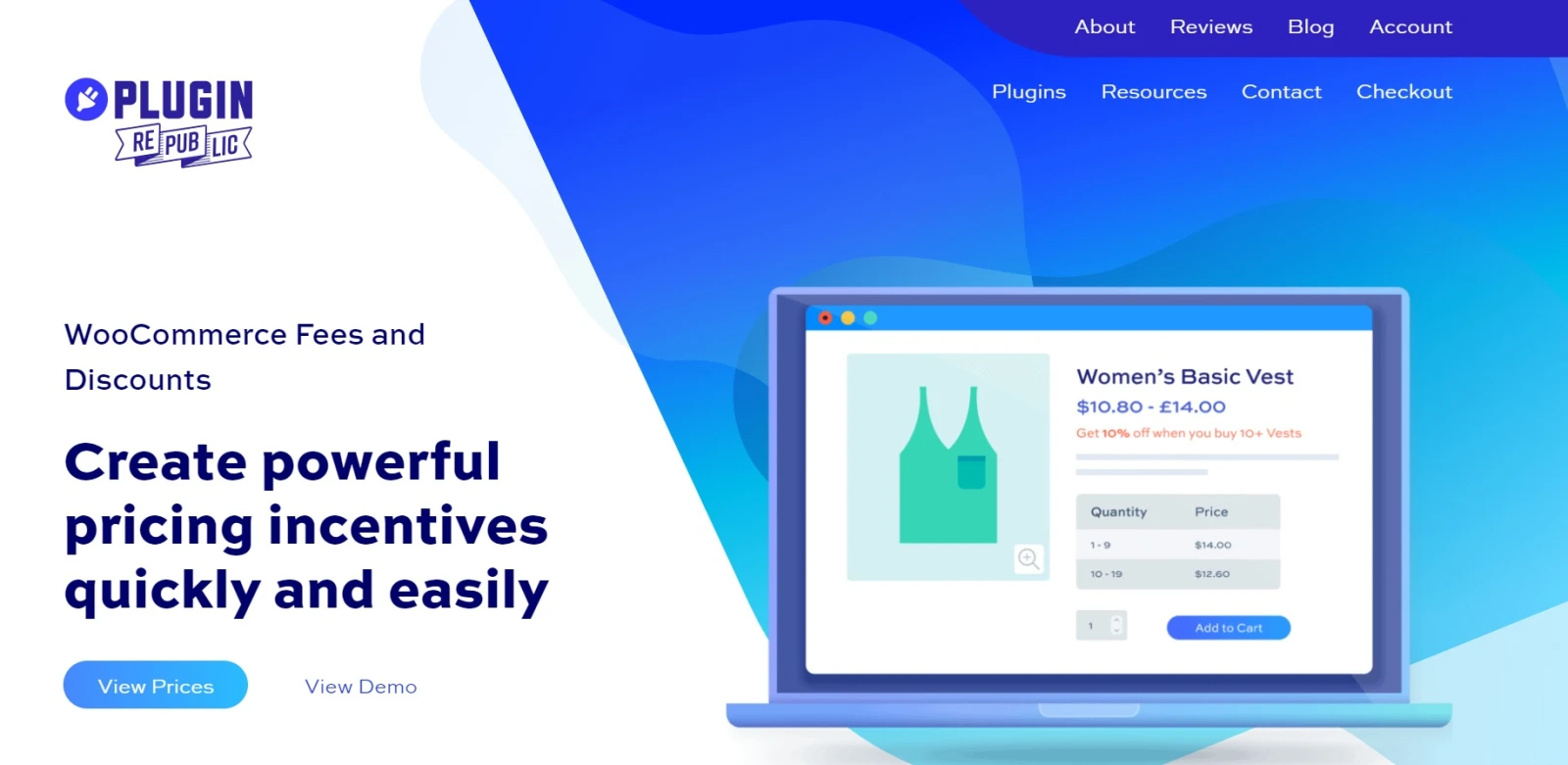
WooCommerce Fees and Discounts is a flexible pricing solution that helps store owners apply additional charges or promotional discounts according to customized conditions. You can create pricing rules based on factors such as cart value, products, customer roles, payment options, shipping methods, and purchase quantities. The plugin can be useful for adding payment surcharges, rewarding selected customers, creating quantity-based discounts, and implementing special pricing strategies. Pricing adjustments can be displayed during the shopping and checkout process so customers can clearly see how their order total is calculated.
WooCommerce Fees and Discounts Plugin WooCommerce Fees and Discounts is a flexible pricing solution that helps store owners apply additional charges or promotional discounts according to customized conditions. You can create pricing rules based on factors such as cart value, products, customer roles, payment options, shipping methods, and purchase quantities. The plugin can be useful for adding payment surcharges, rewarding selected customers, creating quantity-based discounts, and implementing special pricing strategies. Pricing adjustments can be displayed during the shopping and checkout process so customers can clearly see how their order total is calculated. The plugin is available through 5ivecode.com with lifetime free updates and limited email support. Key Features ✔️ Add custom fees and discounts to WooCommerce orders ✔️ Create rules based on cart subtotal or total ✔️ Apply pricing conditions according to customer roles ✔️ Set rules for individual products or product groups ✔️ Adjust prices according to payment or shipping methods ✔️ Configure percentage-based or fixed-value adjustments ✔️ Create quantity-based and tiered discounts ✔️ Offer special pricing to wholesale or selected customers ✔️ Create incentives for specific customer groups ✔️ Display pricing adjustments in cart and checkout ✔️ Designed to work with WooCommerce tax settings ✔️ Flexible pricing rules for different store requirements ✔️ Distributed under the GNU GPL license ✔️ Includes lifetime free updates Detailed Overview WooCommerce Fees and Discounts provides store administrators with additional flexibility when creating pricing rules. WooCommerce stores often need pricing conditions that go beyond standard product prices and coupons. For example, a store may want to add an additional charge when customers select a particular payment method, provide a discount when an order reaches a specific value, or offer better pricing when customers purchase larger quantities. With this plugin, administrators can create rules that automatically modify the order based on predefined conditions. Rules can be associated with products, customer roles, cart values, payment methods, shipping methods, or quantities. Both fixed amounts and percentage-based adjustments can be used depending on the pricing strategy. This makes the plugin suitable for different scenarios, including payment surcharges, wholesale pricing, bulk-order incentives, member discounts, and customer-specific promotions. The resulting fees or discounts can be displayed within the cart and checkout process, helping customers understand how the final order total has been calculated. Feature Comparison Feature WooCommerce Fees and Discounts Standard WooCommerce Custom Checkout Fees ✔️ Create conditional fees ⚠️ Limited built-in options Conditional Discounts ✔️ Rule-based pricing adjustments ⚠️ Primarily coupon-based Customer Role Rules ✔️ Support for role-based conditions ⚠️ Limited Product-Based Rules ✔️ Apply conditions to products ⚠️ Requires additional configuration Payment Method Rules ✔️ Configure payment-based adjustments ⚠️ Limited Shipping Method Rules ✔️ Create shipping-related pricing rules ⚠️ Limited Bulk Discounts ✔️ Quantity-based pricing options ❌ Not a standard feature Tiered Pricing ✔️ Create quantity-level discounts ❌ Requires additional functionality Fixed Adjustments ✔️ Supported ⚠️ Limited Percentage Adjustments ✔️ Supported ✔️ Available through selected WooCommerce features Cart-Based Conditions ✔️ Create rules based on cart value ⚠️ Limited Tax Handling ✔️ Designed to work with WooCommerce tax configuration ✔️ Native WooCommerce tax system GPL Licensing ✔️ GNU GPL ⚠️ Depends on extension Installation Guide Download the WooCommerce Fees and Discounts Plugin ZIP from your 5ivecode.com account. Log in to your WordPress administration dashboard. Navigate to Plugins → Add New Plugin. Select Upload Plugin. Choose the downloaded ZIP package. Click Install Now. Activate the plugin after the installation finishes. Open the Fees & Discounts configuration area. Create a new fee or discount rule. Select the conditions that should trigger the rule. Choose a fixed amount or percentage-based adjustment. Configure additional conditions such as customer role, product, cart value, payment method, shipping method, or quantity. Save the configuration. Test the shopping cart and checkout process to make sure the pricing rules are being applied as intended.
Get Support
Please Sign In to contact our support.