🎃 Halloween Sale — Scary Good Deals, Up to 20% OFF! Don't be spooked by these prices — grab them before they disappear at midnight.
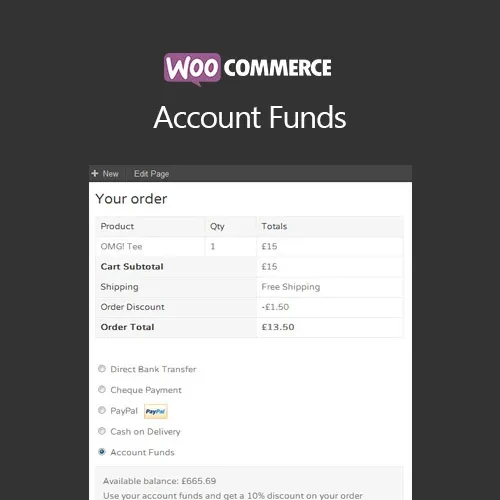
Give customers a convenient way to maintain a prepaid balance and use it toward future WooCommerce purchases. WooCommerce Account Funds adds account-credit functionality to your store, allowing eligible customers to add money to their account and apply their available balance during checkout. This can be useful for customer loyalty programs, prepaid purchasing, store credit workflows, repeat customers, and promotional campaigns. Store administrators can also manage account balances and configure available deposit options according to their requirements.
WooCommerce Account Funds (GPL) Give customers a convenient way to maintain a prepaid balance and use it toward future WooCommerce purchases. WooCommerce Account Funds adds account-credit functionality to your store, allowing eligible customers to add money to their account and apply their available balance during checkout. This can be useful for customer loyalty programs, prepaid purchasing, store credit workflows, repeat customers, and promotional campaigns. Store administrators can also manage account balances and configure available deposit options according to their requirements. Distributed by 5ivecode.com under GPL terms. Check the current package information for available updates and support. Not affiliated with the original developer. Feature Highlights 💳 Customer Account Deposits – Allow customers to add funds to their store account for future purchases. ⚡ Convenient Checkout – Customers can use their available account balance toward eligible orders, reducing the need to complete a separate payment for the covered amount. 🎁 Fund-Based Promotions – Configure promotional strategies or discounts related to the use of account funds where supported. 🔄 Balance Top-Ups – Give customers the ability to add additional funds whenever they need to increase their available balance. 📊 Balance Management – Administrators can review and manage customer account balances and related transactions through the available dashboard settings. 🌐 WooCommerce Payment Integration – Account deposits can work with supported WooCommerce payment methods and your store configuration. 📱 Responsive Experience – Designed to work with responsive WooCommerce storefronts and customer account interfaces. 🚀 GPL Distribution – Distributed under applicable GPL terms, with package-specific update information available from 5ivecode.com. Detailed Overview WooCommerce Account Funds provides a prepaid balance system for WooCommerce stores. Customers can deposit money into their account and later use that balance when purchasing products or services from the store. This approach can be useful for businesses that have a strong base of returning customers. Instead of completing the full payment process for every purchase, customers with sufficient account credit can apply their available balance during checkout. Store owners can use account funds as part of customer loyalty programs, prepaid purchasing options, promotional campaigns, membership benefits, or repeat-purchase strategies. Administrators can also monitor customer balances and manage account-credit activity through the available settings and management interface. The exact behavior of deposits, refunds, payment methods, discounts, and balance usage can depend on the plugin configuration, WooCommerce version, payment gateway, and other extensions installed on your website. Comparison Table Feature WooCommerce Account Funds Standard WooCommerce Checkout Prepaid Customer Balance ✔️ Supported ❌ Not available by default Add Funds in Advance ✔️ Available ❌ Not a standard feature Use Balance at Checkout ✔️ Supported where configured ❌ Requires another payment method Customer Top-Ups ✔️ Available where enabled ❌ Not available by default Account Balance Management ✔️ Supported ❌ Not included Promotional Fund Strategies ✔️ Possible with supported settings ❌ Requires additional functionality GPL Distribution ✔️ GPL-based distribution N/A Installation Guide Download the WooCommerce Account Funds (GPL) ZIP package from your 5ivecode.com account. Log in to your WordPress administration dashboard. Go to Plugins → Add New Plugin → Upload Plugin. Select the downloaded ZIP file. Click Install Now. After installation is completed, click Activate. Open the plugin's available WooCommerce Account Funds settings. Configure deposit options, balance rules, and other available settings. Review the supported payment methods for adding account funds. Test a customer deposit and checkout transaction before enabling the feature for all customers.
Get Support
Please Sign In to contact our support.