Exclusive Coupon — Use Code SAVE10 for Instant Savings! Apply at checkout for your special discount. Limited uses — grab it while you can.
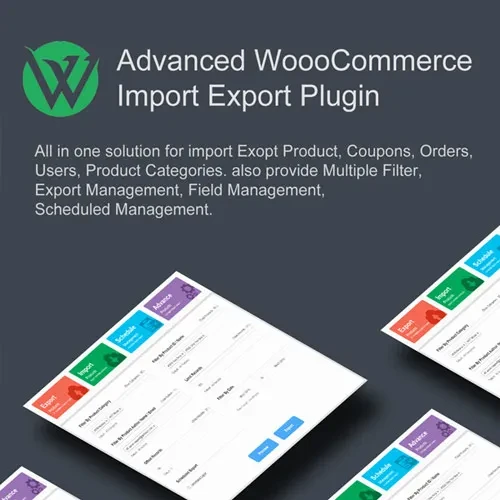
Woo Import Export is a WooCommerce data management solution that helps store administrators import, export, and organize important store records efficiently. It can simplify the process of transferring products, orders, customer information, coupons, and other WooCommerce data between systems or during routine store management tasks. With file-based data handling, field mapping, filtering, scheduled transfers, and batch processing, the plugin can be useful for managing large volumes of WooCommerce information without having to update records individually.
Woo Import Export – WooCommerce Data Import & Export Plugin
Woo Import Export is a WooCommerce data management solution that helps store administrators import, export, and organize important store records efficiently. It can simplify the process of transferring products, orders, customer information, coupons, and other WooCommerce data between systems or during routine store management tasks.
With file-based data handling, field mapping, filtering, scheduled transfers, and batch processing, the plugin can be useful for managing large volumes of WooCommerce information without having to update records individually.
Key Features
Product Import & Export – Transfer product information in bulk to simplify catalog management and store migrations.
Order Import & Export – Move and manage WooCommerce order records using structured data files.
Customer Data Import & Export – Transfer customer information efficiently between compatible store environments.
Coupon Import & Export – Import existing coupon records or export coupon data for backup, migration, or management purposes.
CSV & XML File Support – Work with commonly used CSV and XML formats for flexible data exchange.
Bulk Data Management – Process large amounts of WooCommerce information more efficiently than manual updates.
Scheduled Import & Export – Automate recurring data transfer tasks according to a configured schedule.
Advanced Field Mapping – Match source fields with the appropriate WooCommerce data fields during import operations.
Data Filtering Options – Select specific records or data sets to include in import and export processes.
Batch Processing – Handle large data sets in manageable batches to streamline bulk operations.
Why Use Woo Import Export?
Managing a growing WooCommerce store often involves moving large amounts of product, order, customer, and promotional data. Woo Import Export provides a structured way to handle these tasks through bulk import and export workflows.
It can be particularly useful for WooCommerce store migrations, catalog updates, data backups, bulk editing workflows, multi-store management, and recurring data transfers. Field mapping and filtering options can also provide greater control over which information is transferred and how it is organized.
Get Support
Please Sign In to contact our support.