Exclusive Coupon — Use Code SAVE10 for Instant Savings! Apply at checkout for your special discount. Limited uses — grab it while you can.
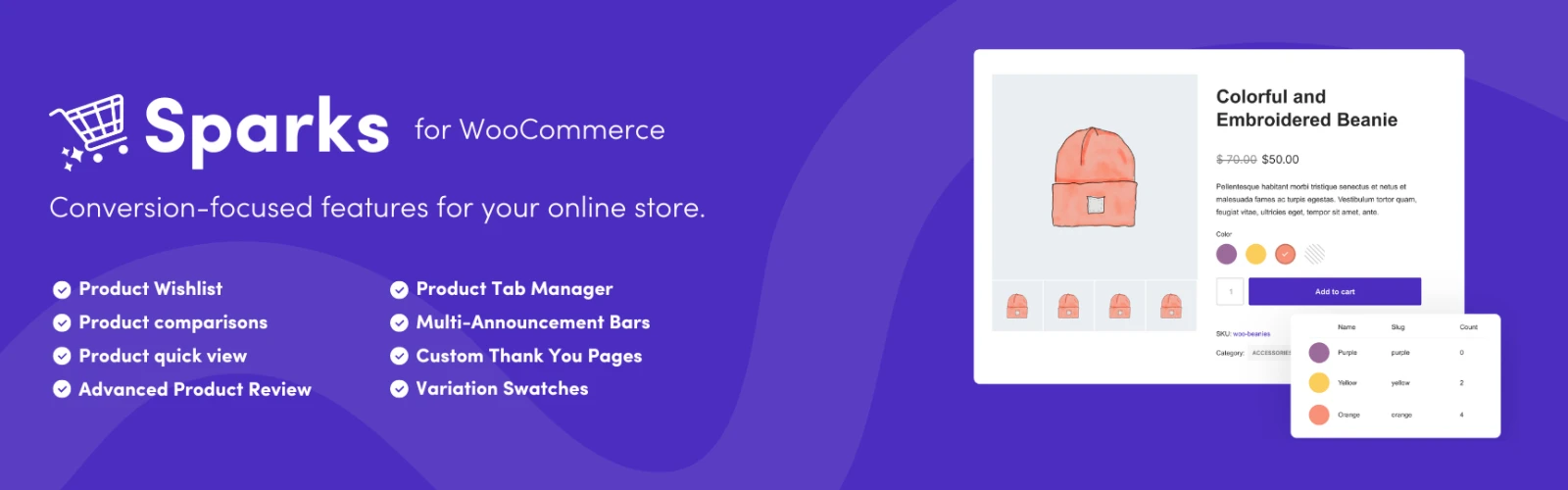
Sparks for WooCommerce is an enhancement plugin built to add useful storefront functionality to WooCommerce websites. It brings several customer-focused tools together so store owners can improve product browsing, comparison, and overall shopping convenience without relying on multiple separate extensions. The plugin can be useful for different types of WooCommerce stores, from smaller online shops to larger product catalogs. Depending on the modules and configuration available in your version, Sparks can introduce features such as Quick View, Wishlist, Product Comparison, and enhanced product gallery functionality.
⚡ Feature Highlights ⚡ Expands WooCommerce with additional product presentation and shopping features ⚡ Includes ready-to-use modules designed to improve product discovery ⚡ Provides tools such as Quick View, Wishlist, and Product Comparison ⚡ Integrates with WooCommerce to extend the existing store experience ⚡ Designed with a lightweight approach to help minimize unnecessary overhead ⚡ Simple configuration through an easy-to-manage settings interface ⚡ Responsive functionality for desktop, tablet, and mobile shoppers ⚡ Distributed under applicable GPL licensing terms with update access 📌 Detailed Overview Sparks for WooCommerce is an enhancement plugin built to add useful storefront functionality to WooCommerce websites. It brings several customer-focused tools together so store owners can improve product browsing, comparison, and overall shopping convenience without relying on multiple separate extensions. The plugin can be useful for different types of WooCommerce stores, from smaller online shops to larger product catalogs. Depending on the modules and configuration available in your version, Sparks can introduce features such as Quick View, Wishlist, Product Comparison, and enhanced product gallery functionality. By bringing these capabilities into your WooCommerce environment, Sparks can help create a more convenient product-discovery experience while keeping configuration straightforward. 🛍️ Product Experience Features 🔍 Quick View Give customers a faster way to inspect products without requiring them to open every individual product page. A Quick View-style experience can make browsing larger catalogs more convenient and reduce unnecessary navigation. ❤️ Product Wishlist Allow shoppers to save products they are interested in for later consideration. Wishlist functionality can be particularly useful for visitors who are researching products before making a purchase. ⚖️ Product Comparison Help customers evaluate multiple products side by side. Product comparison can make it easier for shoppers to review important differences before deciding which item best fits their needs. 🖼️ Enhanced Product Galleries Improve the way product imagery is presented with additional gallery-related functionality. Better product presentation can be useful for stores where images play an important role in purchasing decisions. ⚙️ WooCommerce Integration Sparks is designed specifically to extend WooCommerce rather than operate as a completely separate storefront system. After activation, available modules and options can be configured according to the plugin's settings and your store requirements. Compatibility can depend on your WordPress version, WooCommerce version, active theme, additional plugins, and individual configuration, so testing on a staging site is recommended before applying major changes to a production store. 📊 Comparison Table Feature Sparks for WooCommerce Typical Separate Add-ons WooCommerce Enhancement ✔️ Multiple storefront-focused tools ✔️ Depends on selected extensions Wishlist Functionality ✔️ Available through supported module ⚠️ May require another plugin Product Comparison ✔️ Supported module ⚠️ May require another plugin Quick View ✔️ Supported module ⚠️ May be separate or premium Product Presentation Tools ✔️ Multiple options ⚠️ Depends on extension Responsive Experience ✔️ Designed for modern responsive stores ✔️ Theme/plugin dependent Configuration ✔️ Centralized plugin settings ⚠️ Can require multiple dashboards GPL Distribution ✔️ Distributed under applicable GPL terms ⚠️ Licensing varies by provider Update Access ✔️ Included according to the distribution package ⚠️ Often subscription dependent 🚀 Installation Guide Follow these general steps to install Sparks for WooCommerce: Download the Sparks for WooCommerce ZIP package from your 5ivecode.com account. Sign in to your WordPress administration dashboard. Navigate to Plugins → Add New Plugin. Select Upload Plugin and choose the downloaded ZIP file. Click Install Now and wait for WordPress to complete the installation. Select Activate Plugin. Open the available Sparks settings and enable the modules you want to use. Configure the relevant display and functionality options. Visit your storefront and test the enabled features on desktop and mobile devices.
Get Support
Please Sign In to contact our support.