Exclusive Coupon — Use Code SAVE10 for Instant Savings! Apply at checkout for your special discount. Limited uses — grab it while you can.
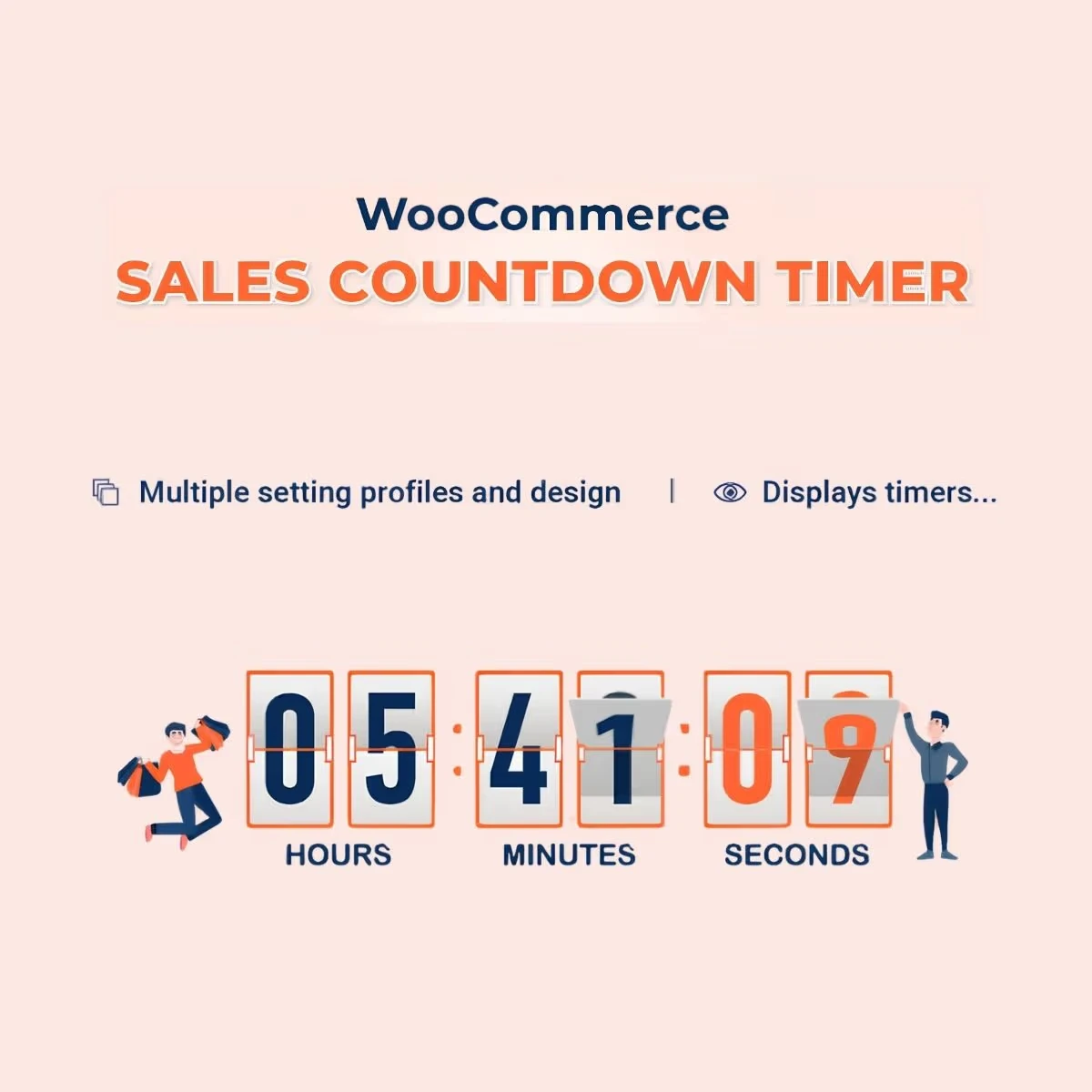
Sales Countdown Timer for WooCommerce and WordPress helps online store owners add countdown timers to products, promotions, flash sales, cart pages, and checkout experiences. By displaying a clear time limit for a promotion or offer, you can communicate urgency and encourage shoppers to make purchasing decisions within the intended campaign period. Create timers for limited-time deals, seasonal promotions, flash sales, product campaigns, and checkout-focused offers while customizing their appearance to match your website.
Sales Countdown Timer for WooCommerce and WordPress Sales Countdown Timer for WooCommerce and WordPress helps online store owners add countdown timers to products, promotions, flash sales, cart pages, and checkout experiences. By displaying a clear time limit for a promotion or offer, you can communicate urgency and encourage shoppers to make purchasing decisions within the intended campaign period. Create timers for limited-time deals, seasonal promotions, flash sales, product campaigns, and checkout-focused offers while customizing their appearance to match your website. The plugin is available as a GPL-licensed solution through 5ivecode.com, with lifetime updates and limited email support as offered. ✨ Key Features Add countdown timers to WooCommerce product pages Create store-wide or global promotional countdowns Display countdowns on cart and checkout pages where supported Build urgency around flash sales and limited-time offers Support seasonal and promotional campaigns Use multiple timer styles and customization options Add timers with shortcodes Use with Elementor where supported Create different countdown campaigns for different purposes Responsive timer presentation for mobile shoppers Designed for WooCommerce and WordPress websites Lightweight implementation GPL-licensed distribution Lifetime updates as offered 📖 Detailed Overview Create Product-Specific Countdown Timers A countdown timer can make a limited-time product promotion more visible to shoppers. With Sales Countdown Timer, you can place countdown displays on product pages to communicate when an offer or campaign is scheduled to end. This can be particularly useful for: Flash deals Limited-time discounts Product launches Seasonal promotions Weekend offers Clearance campaigns Run Store-Wide Promotional Campaigns When an entire store is participating in a promotion, a global countdown can provide a consistent reminder across your shopping experience. Use a store-wide timer for campaigns such as: Holiday sales End-of-season promotions Anniversary sales Weekend campaigns New-year offers Limited-time store discounts The exact placement and global behavior depend on the plugin's available configuration. Add Urgency to Cart and Checkout Customers who have already selected products are closer to completing their purchase. A countdown displayed within the cart or checkout experience can communicate a limited promotional window when appropriate. This can be useful for campaigns where a discount, offer, or promotional condition has a defined expiration time. Important: Countdown timers should represent genuine campaign deadlines. Avoid creating misleading or continuously resetting deadlines that could confuse customers.
Get Support
Please Sign In to contact our support.