Exclusive Coupon — Use Code SAVE10 for Instant Savings! Apply at checkout for your special discount. Limited uses — grab it while you can.
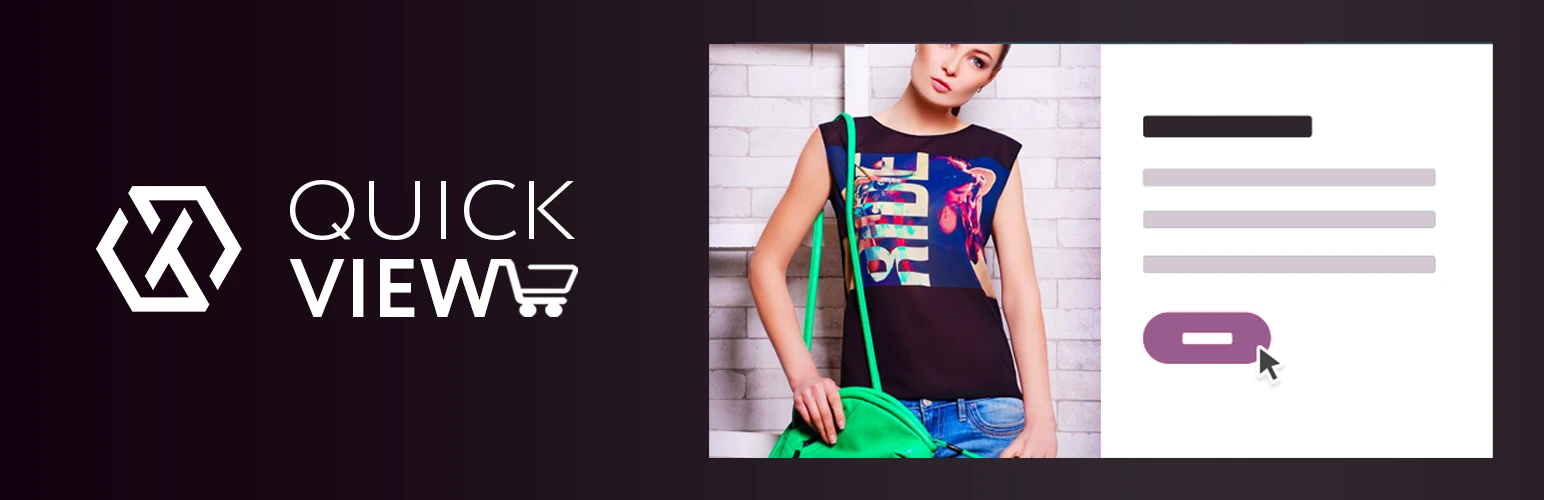
Quick View for WooCommerce Pro improves the WooCommerce shopping experience by allowing visitors to inspect product information through a convenient popup without leaving the shop, category, or product listing page. Instead of opening a separate product page for every item, shoppers can quickly view important details such as product images, descriptions, pricing, ratings, and available purchasing options. Where supported, customers can also select product variations and add products to their cart directly from the quick-view window.
Quick View for WooCommerce Pro – Fast Product Preview & Quick Add to Cart Quick View for WooCommerce Pro improves the WooCommerce shopping experience by allowing visitors to inspect product information through a convenient popup without leaving the shop, category, or product listing page. Instead of opening a separate product page for every item, shoppers can quickly view important details such as product images, descriptions, pricing, ratings, and available purchasing options. Where supported, customers can also select product variations and add products to their cart directly from the quick-view window. This streamlined browsing experience can be particularly useful for stores with large product catalogs, helping customers compare products faster and move through the shopping journey with fewer page transitions. The plugin is available under the GNU General Public License (GPL) through 5ivecode.com, with lifetime updates and limited email support as offered. ✨ Key Features One-Click Product Quick View – Open product information in a convenient popup from shop and catalog pages. AJAX-Based Loading – Load supported product information without requiring a complete page refresh. Quick Add to Cart – Allow customers to add eligible products directly from the quick-view interface. Variable Product Support – Display and select available product variations such as size or color where supported. Customizable Popup Design – Configure available layout, buttons, text, and styling options. Responsive Interface – Designed for desktop, tablet, and mobile shopping experiences. Product Information Preview – Display supported details including images, descriptions, prices, ratings, and purchasing options. Catalog-Friendly Shopping – Help customers inspect multiple products without repeatedly leaving listing pages. WooCommerce Integration – Built specifically for WooCommerce stores. Theme-Friendly Design – Designed to integrate with WooCommerce-compatible WordPress themes, subject to theme and configuration compatibility. Page Builder Compatibility – May work with supported WordPress page-builder environments depending on the plugin and theme setup. GPL Licensing – Use the plugin according to applicable GPL terms. 📖 Detailed Overview Online shoppers often want to compare several products before deciding what to purchase. Opening a separate product page for every item can make this process slower, particularly on stores with large catalogs. Quick View for WooCommerce Pro adds a faster product-preview workflow by displaying selected product information inside a popup. 🔍 Instant Product Preview Customers can click the Quick View button associated with a product and inspect its available information without navigating away from the current catalog page. Depending on the product configuration, the popup can display: Product images Product title Product description Product price Product rating Product purchasing options Product variations 🛒 Add Products Without Leaving the Catalog For eligible products, customers can add an item to their cart directly from the quick-view popup. This can reduce unnecessary navigation and create a more streamlined shopping flow. 🎨 Customizable Quick-View Interface Configure the available popup design options so the quick-view window fits more naturally with your WooCommerce store's branding and visual style. Available controls may include: Popup layout Button styling Text appearance Colors Product information placement Quick-view display settings Exact options depend on the plugin version. 🎨 Better Product Browsing Quick View can be especially helpful for stores where customers browse many products in a single session. Instead of opening and closing numerous product pages, shoppers can preview products directly from the listing. 📱 Mobile-Friendly Experience The responsive interface is designed to adapt to different screen sizes, making product previews accessible across desktop, tablet, and mobile devices.
Get Support
Please Sign In to contact our support.