🎃 Halloween Sale — Scary Good Deals, Up to 20% OFF! Don't be spooked by these prices — grab them before they disappear at midnight.
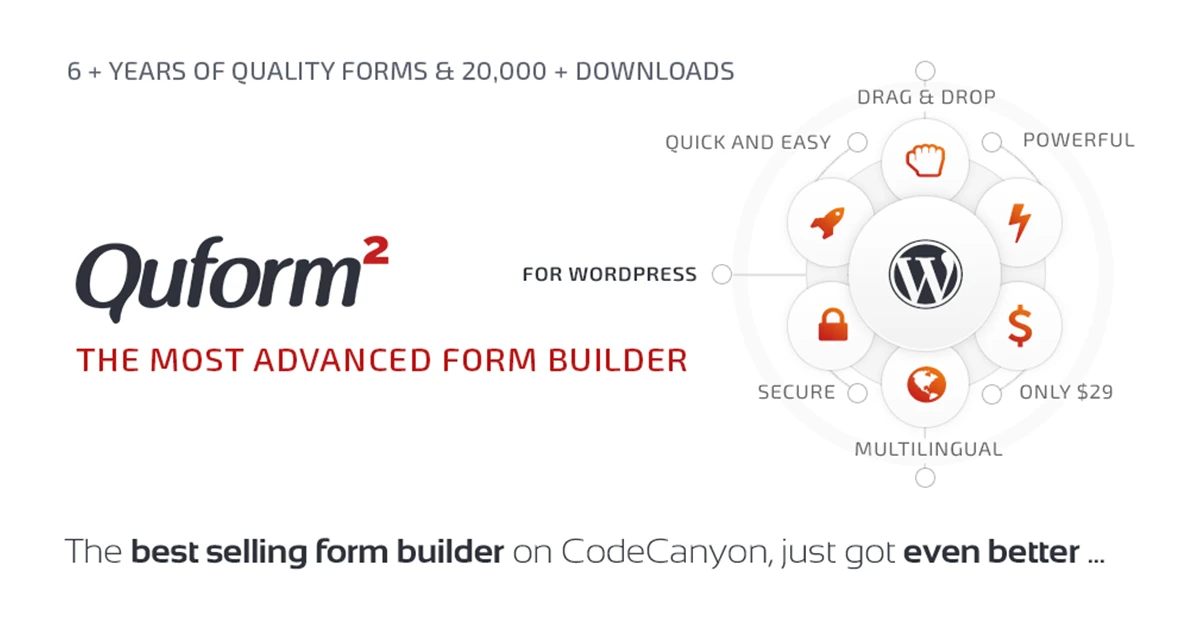
Build Professional WordPress Forms with Ease Quform – WordPress Form Builder is a feature-rich drag-and-drop form builder plugin that helps you create professional, responsive, and fully customizable forms without writing code. From simple contact forms to advanced multi-step applications, surveys, booking forms, and file upload forms, Quform provides everything you need to build powerful forms for your WordPress website. This GPL version is available from 5ivecode.com, offering unlimited website usage and lifetime updates.
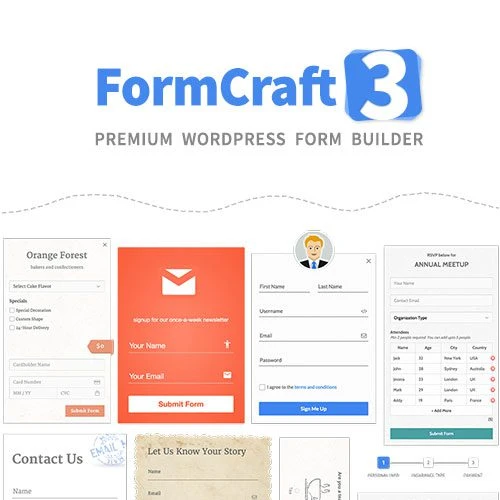
Quform – WordPress Form Builder (GPL) Build Professional WordPress Forms with Ease Quform – WordPress Form Builder is a feature-rich drag-and-drop form builder plugin that helps you create professional, responsive, and fully customizable forms without writing code. From simple contact forms to advanced multi-step applications, surveys, booking forms, and file upload forms, Quform provides everything you need to build powerful forms for your WordPress website. This GPL version is available from 5ivecode.com, offering unlimited website usage and lifetime updates. ✨ Feature Highlights 🖱️ Easy drag-and-drop form builder 📝 Create unlimited forms and unlimited form fields 📑 Multi-step forms for improved user experience 🔀 Advanced conditional logic for dynamic forms 📎 File upload support for documents, images, PDFs, and more 🎨 Ready-made form templates for faster creation 🛡️ Built-in spam protection and CAPTCHA support 📧 Automatic email notifications and confirmations 📱 Fully responsive forms for all screen sizes 🎯 Extensive styling and customization options 🔓 100% GPL Licensed – Unlimited website usage with lifetime updates from 5ivecode.com 📖 Detailed Overview Quform – WordPress Form Builder is a complete form creation solution that combines simplicity with powerful customization features.
Its visual drag-and-drop interface allows beginners and developers alike to build attractive forms quickly. Create contact forms, quote requests, surveys, registrations, appointment bookings, feedback forms, support requests, event registrations, and much more. Advanced features such as conditional logic, multi-page forms, file uploads, automatic email notifications, and responsive layouts provide flexibility for projects of any size.
Built-in customization tools allow you to match your forms to your website design without manually editing CSS. Whether you're running a business website, online store, educational platform, or membership site, Quform helps streamline data collection while delivering a professional user experience. 💡 Popular Use Cases 📞 Contact Forms 📋 Quote Request Forms 📝 Surveys & Feedback Forms 📅 Appointment Booking Forms 🎫 Event Registration Forms 📧 Newsletter Signup Forms 👥 Membership Registration 📎 File Upload Forms 🛒 WooCommerce Inquiry Forms 💼 Job Application Forms 📊 Comparison Table Feature Quform Standard Free Form Plugins Drag-and-Drop Builder ✔ Included ⚠ Limited Unlimited Forms ✔ Yes ✖ Often Limited Multi-Step Forms ✔ Built-in ✖ Not Available Conditional Logic ✔ Advanced ⚠ Basic File Upload Support ✔ Included ⚠ Limited Spam Protection ✔ Built-in ⚠ Basic GPL Licensed ✔ Unlimited Website Usage ✖ License Restrictions 🚀 Installation Guide Download Quform – WordPress Form Builder (GPL) from 5ivecode.com. Log in to your WordPress Dashboard.
Navigate to Plugins → Add New → Upload Plugin. Upload the plugin ZIP file and click Install Now. Activate the plugin.
Open Quform from your dashboard. Create a new form using the drag-and-drop builder. Configure fields, notifications, conditional logic, and publish your form using the provided shortcode. 📜 Licensing Information This plugin is distributed under the GNU General Public License (GPL).
Downloading from 5ivecode.com includes: ✅ 100% GPL Licensed ✅ Unlimited Website Usage ✅ Lifetime Free Updates ✅ Personal & Client Projects ✅ No Domain Restrictions ✅ Limited Email Support All trademarks, product names, and logos belong to their respective owners. This GPL distribution is provided independently.
Yes. There are no restrictions on the number of forms or form fields you can create.
Yes. Users can upload images, PDF files, Word documents, and many other supported file types.
Yes. The plugin includes built-in multi-page functionality for creating user-friendly forms.
Absolutely. Every form automatically adapts to desktop, tablet, and mobile devices.
Yes. Under the GPL license, you may install the plugin on unlimited personal and client WordPress websites. ⭐
Creating advanced forms shouldn't require coding knowledge. Quform combines an intuitive drag-and-drop builder with powerful features like conditional logic, file uploads, multi-step forms, and flexible customization to help you build professional forms in minutes. Perfect for: Business Websites Marketing Agencies Freelancers WooCommerce Stores Educational Platforms Membership Websites Event Organizers Nonprofit Organizations Service Providers Corporate Websites
Get Support
Please Sign In to contact our support.