🎃 Halloween Sale — Scary Good Deals, Up to 20% OFF! Don't be spooked by these prices — grab them before they disappear at midnight.
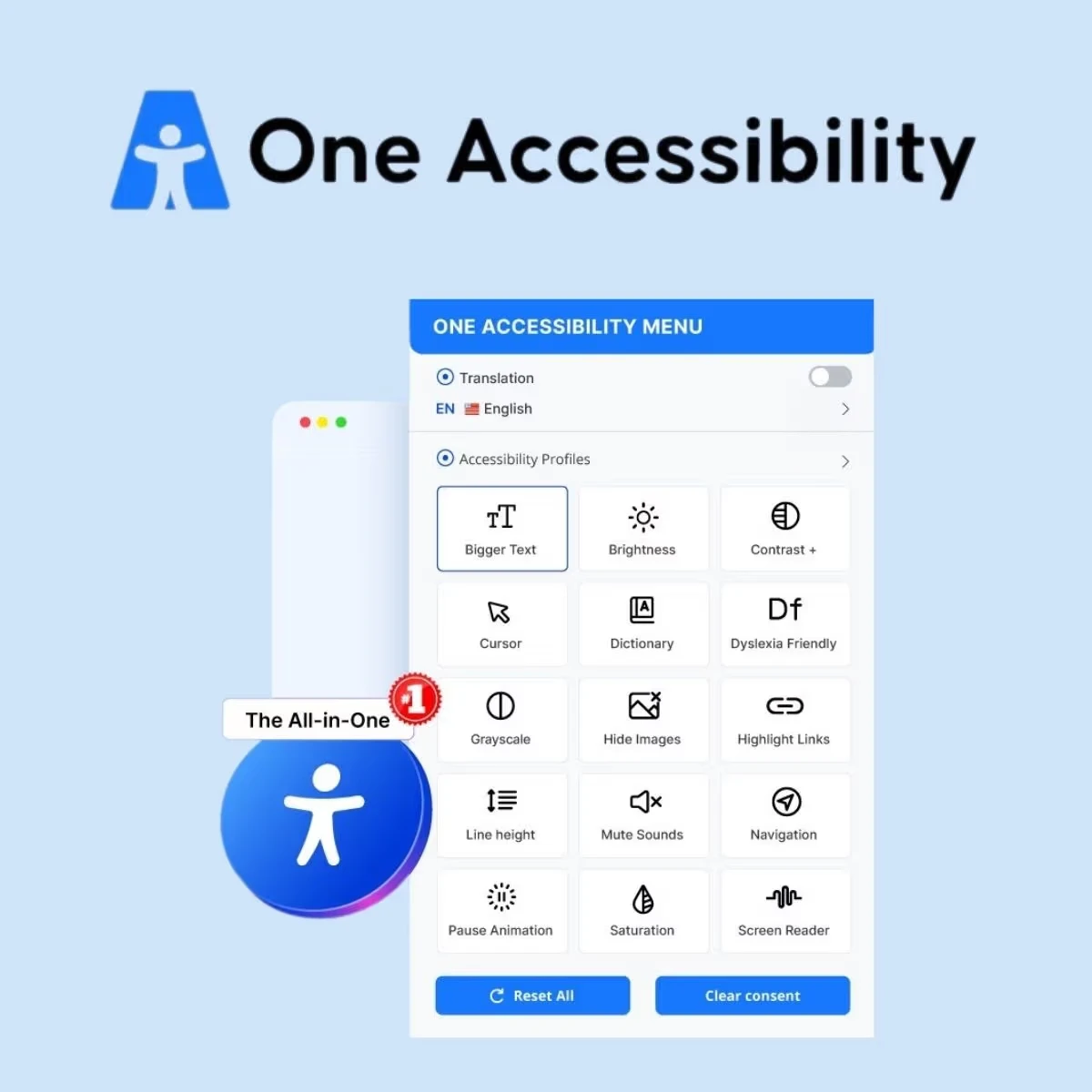
One Accessibility Pro is a WordPress accessibility-focused solution designed to help website owners, developers, agencies, and businesses create a more inclusive browsing experience. It provides accessibility-oriented tools that can help visitors interact with website content more comfortably across different devices and browsing environments. Whether you manage a business website, online store, blog, agency project, or organizational website, accessibility is an important part of creating a usable digital experience. One Accessibility Pro can complement your WordPress workflow by providing additional visitor-facing accessibility controls and supporting ongoing usability improvements.
One Accessibility Pro – WordPress Accessibility & Inclusive Website Toolkit
One Accessibility Pro is a WordPress accessibility-focused solution designed to help website owners, developers, agencies, and businesses create a more inclusive browsing experience. It provides accessibility-oriented tools that can help visitors interact with website content more comfortably across different devices and browsing environments.
Whether you manage a business website, online store, blog, agency project, or organizational website, accessibility is an important part of creating a usable digital experience. One Accessibility Pro can complement your WordPress workflow by providing additional visitor-facing accessibility controls and supporting ongoing usability improvements.
For the best results, combine accessibility tools with accessible design, well-structured content, keyboard-friendly navigation, and regular website testing.
Accessibility-Focused Toolkit: Incorporate accessibility-oriented functionality into your WordPress website.
Visitor-Friendly Controls: Provide visitors with convenient options for adjusting aspects of their browsing experience.
Visual Accessibility Support: Help visitors interact with website content using available visual accessibility controls.
Readable Content Experience: Support a more comfortable reading and browsing experience through the plugin's available features.
Responsive Website Compatibility: Complement modern WordPress websites viewed on desktop and mobile devices.
WordPress Administration: Manage the plugin through the WordPress dashboard and its available settings.
Flexible Website Applications: Suitable for business websites, blogs, online stores, agencies, publishers, and organizational projects.
Accessibility Workflow Support: Incorporate accessibility considerations into website development and maintenance.
Usability Improvements: Provide additional tools that can complement broader efforts to make website interactions easier.
Accessibility Best Practices: Use the plugin alongside semantic HTML, accessible forms, descriptive links, and appropriate contrast.
Website accessibility involves creating digital experiences that more people can navigate, understand, and use. One Accessibility Pro offers a collection of accessibility-oriented tools that can be incorporated into a WordPress website.
It can be useful during website development, redesign projects, ongoing maintenance, and efforts to improve visitor usability.
The exact controls and customization options available depend on the installed plugin version and its configuration.
Visitors have different browsing preferences and accessibility needs. Where supported by the plugin, visitor-facing controls can offer additional ways to interact with website content.
These features can complement a website's existing design and help visitors personalize aspects of their browsing experience.
Website owners should test each available control to ensure that it works correctly with their theme, navigation, forms, and other installed plugins.
Visual presentation can influence how comfortably visitors read and interact with online content. One Accessibility Pro can be incorporated into a broader effort to improve the accessibility of website presentation through its available features.
However, accessibility tools should not replace good design practices. Use readable typography, sufficient color contrast, meaningful headings, descriptive link text, and appropriate alternative text for informative images.
Visitors may access your website using desktop computers, laptops, tablets, or mobile phones. Accessibility controls should be tested across relevant screen sizes and browsing environments.
One Accessibility Pro can form part of your WordPress usability workflow, helping you evaluate how its supported features work alongside your responsive theme and existing website layout.
Always test the actual user experience rather than assuming that responsive design alone guarantees accessibility.
Accessibility is relevant to many types of WordPress projects. Developers and agencies can consider One Accessibility Pro when planning website improvements for clients, while business owners can incorporate it into their ongoing website-management processes.
Potential applications include:
Business and corporate websites
Blogs and publishing platforms
E-commerce websites
Agency and client projects
Nonprofit and organizational websites
Educational and informational websites
Public-facing WordPress websites
The suitability of the plugin depends on the accessibility requirements of each project and the features supported by the installed version.
A more inclusive website requires attention to its underlying structure, content, design, and functionality. One Accessibility Pro should be treated as one component of that wider strategy.
Consider these additional practices:
Use semantic HTML and a logical heading hierarchy.
Make navigation and interactive controls usable with a keyboard.
Provide meaningful labels for form fields.
Maintain sufficient text and interface contrast.
Add suitable alternative text to informative images.
Use descriptive links and clear error messages.
Test forms, menus, dialogs, and interactive components.
Evaluate the website with accessibility testing tools and manual checks.
A plugin can provide useful additional functionality, but it cannot independently guarantee full accessibility or compliance with every applicable standard.
Get Support
Please Sign In to contact our support.