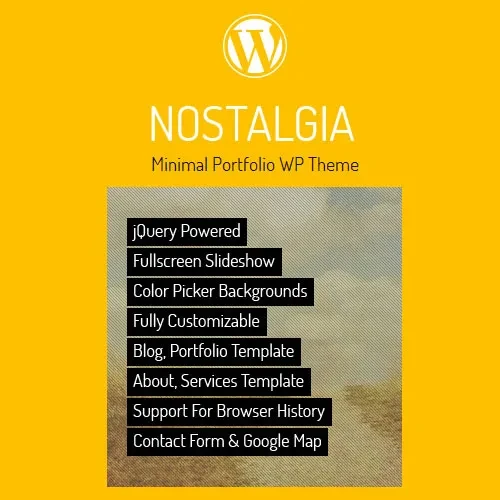
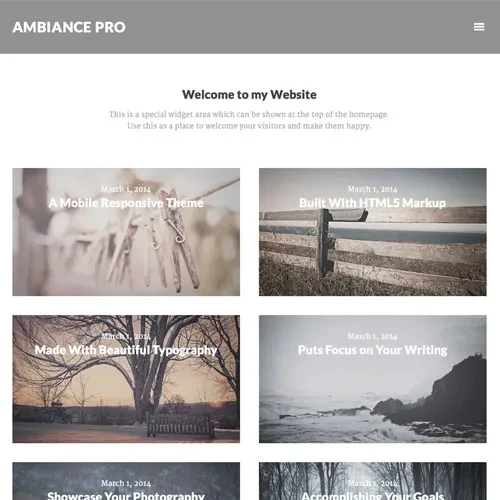
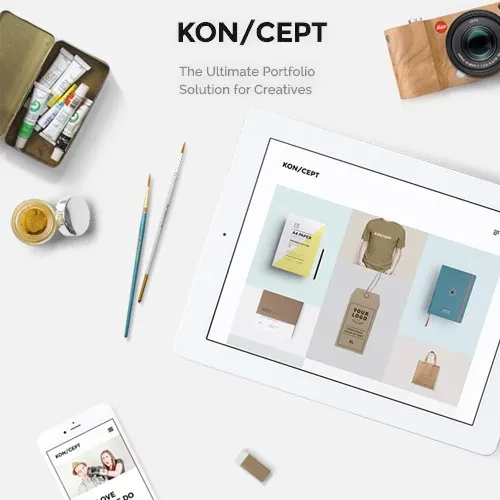
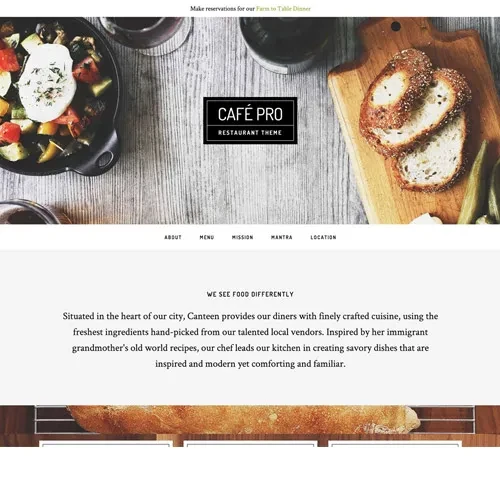
What is Nostalgia – Portfolio WordPress Theme?
Nostalgia – Portfolio WordPress Theme
Nostalgia is a sophisticated and minimalist WordPress theme designed for creative professionals who want to showcase their work with style and clarity. Whether you're a photographer, designer, freelancer, creative agency, or studio, Nostalgia provides an elegant platform to display projects, highlight your expertise, and build a strong online presence.
With stylish portfolio layouts, immersive media presentations, interactive category filtering, and flexible customization options, Nostalgia helps you create a visually engaging portfolio without unnecessary distractions. The theme is distributed by 5ivecode.com under the GNU General Public License (GPL), with lifetime free updates and limited email support.
✨ Key Features
Beautiful Portfolio Layouts – Present your projects through grid, masonry, and fullscreen portfolio designs.
Immersive Hero Sections – Introduce your website with attractive image, video, or slider-based backgrounds.
AJAX Portfolio Filtering – Allow visitors to browse project categories without reloading the entire page.
Interactive Lightbox Galleries – Display project images with convenient navigation and touch-friendly controls.
Page Builder Compatibility – Customize website sections using Gutenberg and supported page-building plugins.
Performance-Focused Design – Benefit from optimized assets, lazy-loaded images, and responsive typography.
SEO-Friendly Markup – Use structured, clean markup designed to support search engine visibility.
Translation and RTL Support – Build websites for multilingual audiences and right-to-left languages.
GPL Licensing – Use the theme across multiple websites under applicable GPL terms.
Lifetime Free Updates – Receive updates through 5ivecode.com, subject to its update policy.
📌 Theme Overview
Your portfolio is more than a collection of projects; it represents your creative identity. The Nostalgia Portfolio WordPress Theme combines minimalist styling, thoughtful typography, and engaging visual elements to help your work stand out.
Organize your projects using grid or masonry layouts and make browsing easier with category-based filtering. Individual project pages can present images, videos, project descriptions, services, credits, and other important details in a structured format.
Creative agencies can adapt the website's appearance to match their brand identity, while freelancers can use its portfolio, about, and contact sections to introduce their services and attract potential clients.
Nostalgia is also designed with performance in mind, helping create a smooth browsing experience across different screen sizes.
📊 Nostalgia vs Generic WordPress Themes
Feature | Nostalgia Theme | Generic Multipurpose Themes |
|---|
Portfolio Presentation | Grid, masonry, and fullscreen layouts | Depends on the theme |
Category Filtering | AJAX-based browsing | May require additional plugins |
Image Galleries | Lightbox and gallery navigation | Features vary |
Hero Sections | Image, video, and slider options | Depends on the theme |
Performance | Optimized media and lean assets | Varies by implementation |
SEO Structure | Clean markup and schema hints | Depends on the theme |
Translation Support | Translation and RTL ready | Not always included |
GPL Usage | GPL-distributed version | Licensing varies |
🛠️ Installation Guide
Download the Nostalgia Portfolio WordPress Theme ZIP package from your 5ivecode.com account.
Log in to your WordPress dashboard.
Navigate to Appearance → Themes → Add New → Upload Theme.
Select the downloaded ZIP file and click Install Now.
Activate the theme after installation.
If a child theme is included, install and activate it before making custom code changes.
Install and activate any required companion plugins recommended by the theme.
Import the available demo content if the package includes a demo importer.
Create your portfolio projects by adding images, videos, categories, and project descriptions.
Personalize the colors, typography, header, footer, and homepage sections to match your brand.