What is MyThemeShop Urban WordPress Theme?
MyThemeShop Urban WordPress Theme – GPL Licensed
✨ Key Features of MyThemeShop Urban WordPress Theme
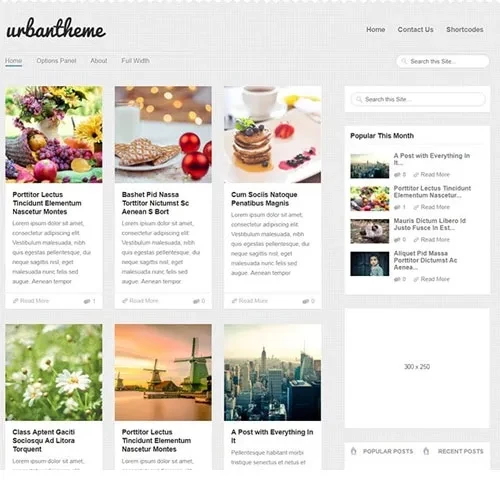
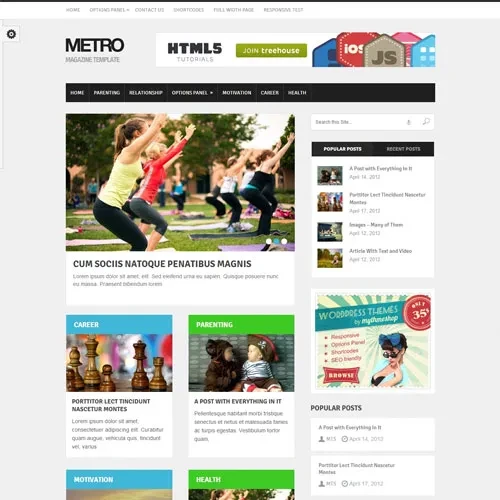
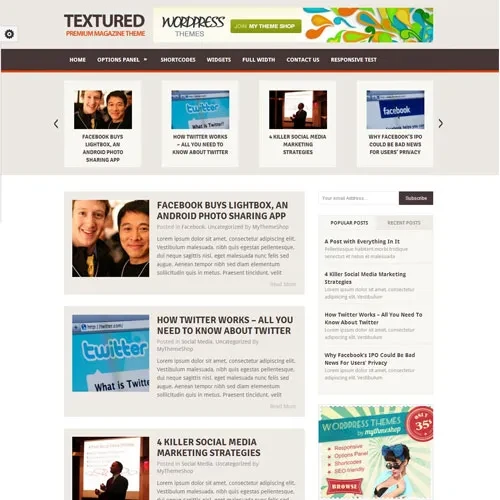
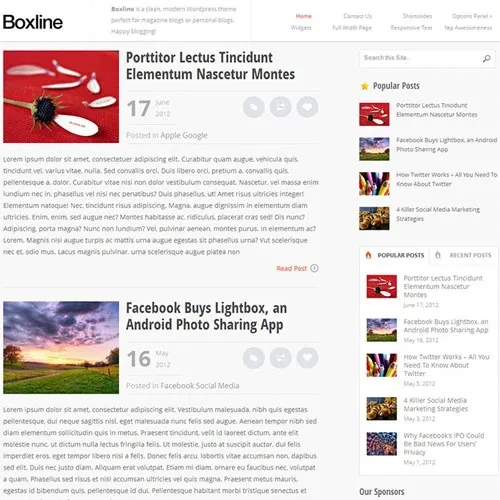
Contemporary Magazine Design – Build engaging websites for urban lifestyle, music, culture, entertainment, and trending topics with attractive content layouts.
Built-In Advertisement Locations – Display Google AdSense and other promotional banners using designated ad spaces to explore website monetization opportunities.
SEO-Oriented Framework – Take advantage of search-friendly functionality and schema integration to support better content indexing and online visibility.
Mobile-Friendly & Responsive Layout – Ensure your website looks appealing on smartphones, tablets, laptops, and desktop computers.
WooCommerce Integration – Introduce online shopping features and sell physical products, digital items, or services directly through your website.
Customizable Theme Settings – Personalize website colors, typography, and page arrangements through the built-in theme options panel.
Performance-Focused Structure – Benefit from a lightweight design intended to support efficient loading and smooth navigation.
Lifetime Update Availability – Access ongoing theme updates through 5ivecode.com.
📖 MyThemeShop Urban WordPress Theme Overview
Give your online publication a distinctive appearance with the MyThemeShop Urban WordPress Theme. Developed for modern content publishers, this theme is suitable for lifestyle blogs, entertainment portals, music websites, and culture-focused magazines.
Urban combines an attractive magazine presentation with organized content sections, making it easier to showcase articles, stories, and featured publications. Its dedicated advertising areas provide convenient options for integrating Google AdSense and other promotional content.
The theme also includes SEO-oriented functionality and schema integration to support search engine visibility. With WooCommerce compatibility, you can extend your website beyond publishing and introduce a complete online shopping experience.
Its responsive layout helps maintain a consistent appearance across different devices, while the built-in customization panel gives you control over important design elements such as colors, typography, and layouts.
Distributed under the GNU General Public License (GPL), Urban offers flexibility for website customization and usage across multiple development projects.
📊 MyThemeShop Urban Theme Comparison
Feature | Urban Theme | Other WordPress Themes |
|---|
Magazine Design | Lifestyle and entertainment-focused layouts | General-purpose designs |
Advertising Options | Dedicated advertisement areas | Manual placement may be needed |
SEO & Schema | Integrated SEO-oriented features | Support varies |
WooCommerce | Compatible | Compatibility varies |
Customization | Built-in theme options panel | Customization varies |
Responsive Design | Mobile-friendly layout | Depends on theme |
GPL License | GPL licensed | License terms vary |
Updates | Lifetime updates through 5ivecode.com | Depends on provider |
⚙️ Installation Guide
Follow these instructions to install MyThemeShop Urban WordPress Theme:
Download the Urban Theme GPL package from your 5ivecode.com account.
Sign in to your WordPress administrator dashboard.
Navigate to Appearance → Themes → Add New Theme.
Select Upload Theme and browse for the downloaded ZIP package.
Click Install Now to begin the installation process.
After installation is complete, select Activate.
If demo content is included, import the sample layouts to simplify your initial website setup.
Open the Theme Options Panel to configure website colors, typography, layouts, and advertisement placements.