What is MyThemeShop Style WordPress Theme?
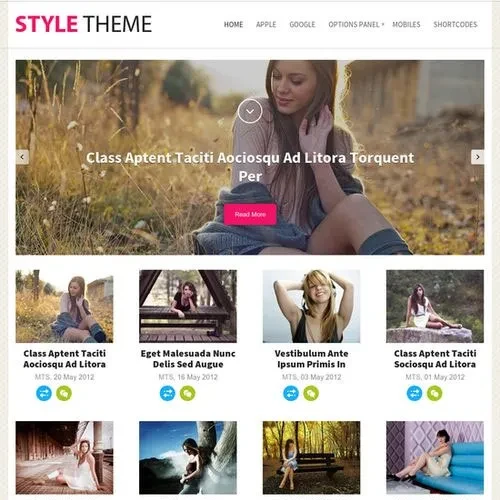
MyThemeShop Style – Fashion, Lifestyle & Magazine WordPress Theme
✨ Feature Highlights of MyThemeShop Style WordPress Theme
✅ Elegant Fashion Magazine Layouts – Professionally designed page structures for fashion blogs, beauty publications, and lifestyle websites.
✅ Advertising & Affiliate Monetization – Strategically positioned advertising areas to help publishers generate revenue while maintaining a pleasant browsing experience.
✅ SEO-Friendly Structure & Schema Support – Organized markup and structured data features designed to support search engine visibility.
✅ Optimized Loading Performance – A lightweight theme structure focused on delivering faster page loading and a smooth browsing experience.
✅ WooCommerce Integration – Build an online store for fashion products, branded merchandise, and downloadable items.
✅ Flexible Theme Customization – Manage typography, color schemes, page arrangements, and advertising sections through the theme settings without editing code.
✅ Mobile-Friendly & Retina Support – Provides a consistent visual experience across smartphones, tablets, laptops, and high-resolution displays.
✅ Lifetime Update Access – Receive ongoing theme updates, along with limited email assistance from 5ivecode.com.
📖 Detailed Product Overview
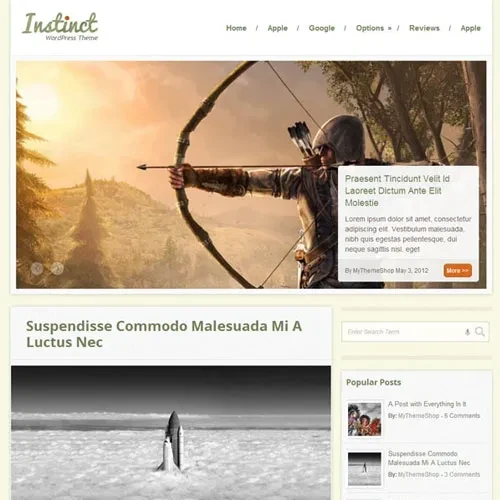
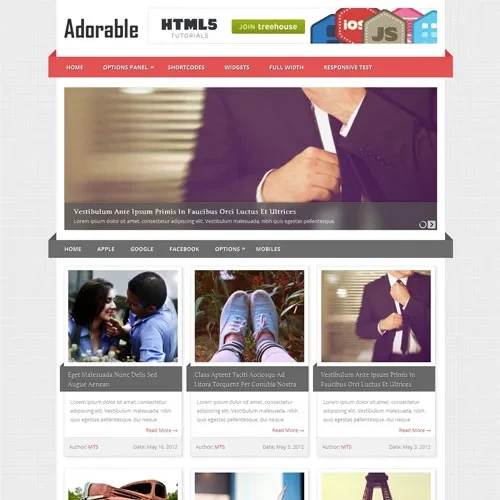
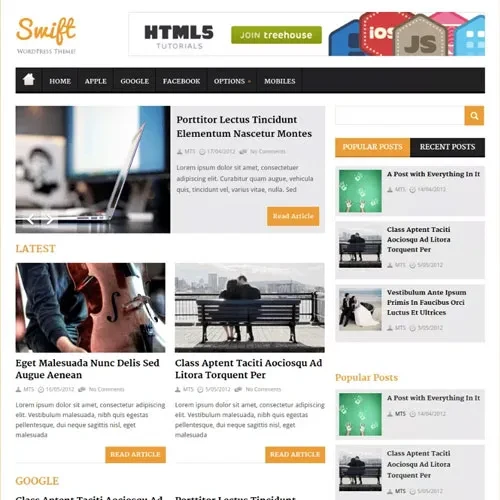
MyThemeShop Style WordPress Theme is a sophisticated publishing solution developed for fashion bloggers, beauty writers, lifestyle creators, and digital magazine publishers. Its editorial-inspired presentation, carefully arranged content sections, and attractive typography help create an engaging platform for sharing articles, trends, inspiration, and lifestyle stories.
Style combines visual flexibility with features designed for website growth and monetization. Its SEO-oriented structure, schema markup support, strategically arranged advertising spaces, and WooCommerce compatibility provide useful options for publishers looking to expand their online presence and business opportunities.
The theme is distributed under the GNU General Public License (GPL), offering customization flexibility and the ability to use it across multiple projects. Your package from 5ivecode.com includes lifetime free updates and limited email support.
📊 MyThemeShop Style – Feature Comparison
Feature | Style WordPress Theme | Basic Blog Themes |
|---|
Fashion & Lifestyle Design | ✔ Editorial-focused layouts | ✘ Standard blog presentation |
Advertising & Affiliate Support | ✔ Dedicated advertising positions | ✘ Limited placement flexibility |
SEO & Structured Data | ✔ Schema-ready structure | ✘ Basic optimization features |
Website Performance | ✔ Lightweight architecture | ✘ May include unnecessary resources |
WooCommerce Integration | ✔ Store-friendly styling | ✘ Limited shop customization |
GPL & Updates | ✔ GPL distribution with lifetime updates | ✘ May require recurring payments |
⚙️ Installation Instructions
Sign in to your 5ivecode.com account and download the MyThemeShop Style GPL theme ZIP package.
Access your WordPress administration dashboard.
Navigate to Appearance → Themes → Add New.
Select Upload Theme and choose the downloaded ZIP file.
Click Install Now and wait for the installation process to finish.
Select Activate to apply the theme to your website.
If demo content is available, import it to get started with the example magazine design.
Visit the theme settings panel to configure colors, fonts, layouts, and advertising locations.
Install and configure WooCommerce if you want to create an online shopping section.