Exclusive Coupon — Use Code SAVE10 for Instant Savings! Apply at checkout for your special discount. Limited uses — grab it while you can.
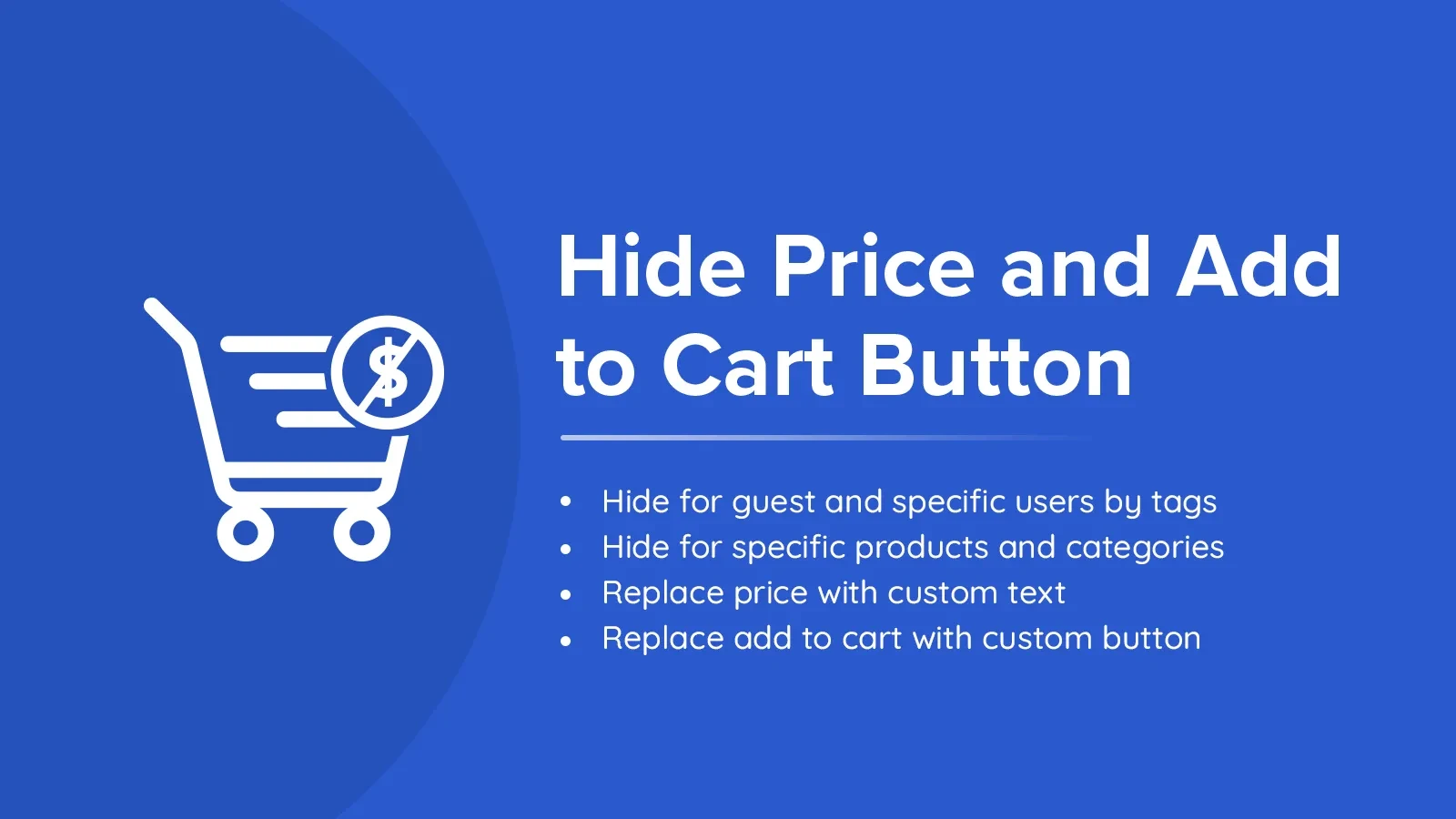
Hide Price & Add to Cart Button is a GPL-licensed WooCommerce plugin that gives store administrators greater control over how product pricing and purchasing options are displayed. It can be useful when you want to create a catalog-style store, restrict prices to selected customers, manage wholesale purchasing, or encourage visitors to contact your business before ordering. Instead of displaying the standard WooCommerce price and purchase controls to everyone, you can configure visibility rules according to available plugin settings, including user roles, products, and product categories.
Hide Price & Add to Cart Button – WooCommerce Plugin
Hide Price & Add to Cart Button is a GPL-licensed WooCommerce plugin that gives store administrators greater control over how product pricing and purchasing options are displayed. It can be useful when you want to create a catalog-style store, restrict prices to selected customers, manage wholesale purchasing, or encourage visitors to contact your business before ordering.
Instead of displaying the standard WooCommerce price and purchase controls to everyone, you can configure visibility rules according to available plugin settings, including user roles, products, and product categories.
The plugin is suitable for B2B stores, wholesalers, manufacturers, service businesses, private catalogs, agencies, and developers who need more flexibility over WooCommerce product presentation.
The plugin is distributed under the GPL (General Public License). Packages purchased from 5ivecode.com include lifetime free updates and limited email support, subject to the applicable package terms.
Hide Product Prices – Control whether product prices are displayed for selected products, categories, or broader parts of the catalog.
Remove Add to Cart – Hide the purchasing button when direct online ordering is not appropriate.
User Role-Based Visibility – Configure different pricing or purchasing visibility for supported customer roles and visitors.
Guest User Controls – Apply visibility rules to visitors who are not logged in, where supported by the plugin settings.
Product-Specific Rules – Apply different visibility behavior to individual products.
Category-Based Controls – Manage pricing and purchase visibility for products belonging to selected categories.
Custom Replacement Messages – Display alternative text such as “Contact for Price” or another store-specific message when applicable.
Inquiry & Call-to-Action Options – Use supported links, buttons, or inquiry-oriented messaging in place of standard purchasing controls.
Responsive Presentation – Hidden elements and replacement messages are designed to work across different screen sizes.
WooCommerce Integration – Designed to work with WooCommerce product and purchasing functionality, with compatibility depending on the store configuration.
No-Code Configuration – Configure supported visibility rules through the WordPress administration interface rather than manually editing plugin files.
Developer-Friendly – Suitable for agencies and developers who need configurable product-display behavior for client websites.
WooCommerce normally displays product prices and purchasing controls throughout the storefront. However, not every online store follows a conventional retail model.
For example, a wholesale business may want pricing to be visible only to approved customers. A manufacturer may use WooCommerce primarily as an online product catalog. A business selling customized products may prefer customers to request a quotation before purchasing.
Hide Price & Add to Cart Button provides a way to adapt the standard WooCommerce storefront for these scenarios.
You can configure supported rules to determine when prices or purchase buttons should be visible. When a price or Add to Cart control is hidden, the store can instead present an alternative message or call to action where supported.
Store administrators can control price display according to the rules available in the plugin. This can be useful for private pricing, wholesale catalogs, quotation-based products, or products that require customer consultation.
The Add to Cart button can be hidden when you do not want customers to purchase a particular product directly through the normal WooCommerce workflow.
Different visitors may require different storefront experiences. Role-based visibility can help separate guest users, regular customers, wholesale users, or other configured WordPress roles.
Rather than applying the same setting to the entire store, supported rules can be used for selected products or product categories.
Instead of leaving an empty area after hiding a price or purchasing button, you can provide an alternative message such as:
Contact us for pricing
Request a quotation
Login to view price
Contact sales
Pricing available to approved customers
The exact replacement mechanisms depend on the installed plugin version and its available settings.
Get Support
Please Sign In to contact our support.