🎃 Halloween Sale — Scary Good Deals, Up to 20% OFF! Don't be spooked by these prices — grab them before they disappear at midnight.
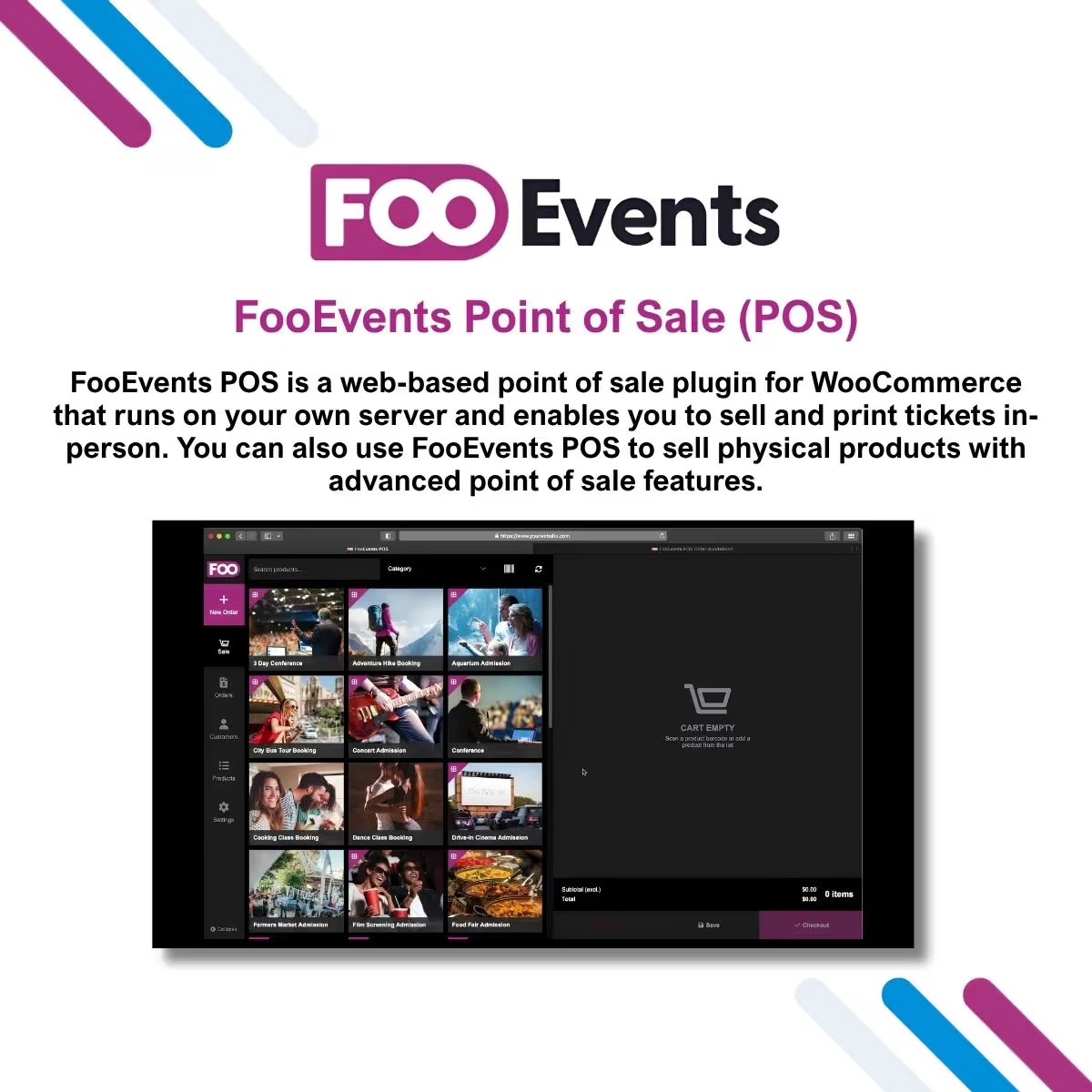
FooEvents Point of Sale (POS) is a WordPress event-sales extension designed to help businesses and event organizers handle ticket purchases and attendee registrations through a point-of-sale workflow connected to WooCommerce and FooEvents. While online ticket sales are convenient, many events also need to support customers who purchase tickets at the venue, registration desk, ticket counter, or event entrance. FooEvents POS helps bring these in-person transactions into the same WordPress and WooCommerce environment used for online event sales.
FooEvents Point of Sale (POS) – WooCommerce Event Ticket Sales & On-Site Registration System FooEvents Point of Sale (POS) is a WordPress event-sales extension designed to help businesses and event organizers handle ticket purchases and attendee registrations through a point-of-sale workflow connected to WooCommerce and FooEvents. While online ticket sales are convenient, many events also need to support customers who purchase tickets at the venue, registration desk, ticket counter, or event entrance. FooEvents POS helps bring these in-person transactions into the same WordPress and WooCommerce environment used for online event sales. From conferences and festivals to exhibitions, workshops, sports competitions, training programs, and entertainment events, the solution can help staff manage ticket purchases and customer registrations from a centralized event-commerce setup. The package available through 5ivecode.com is distributed under applicable GNU General Public License (GPL) terms and includes lifetime free updates and limited email support, subject to the applicable package offering. 🚀 Feature Highlights 🎟️ On-Site Ticket Sales – Process event ticket purchases directly through a POS workflow. 🛒 WooCommerce Integration – Connect in-person ticket sales with WooCommerce products and orders. 🎫 FooEvents Compatibility – Designed to complement the FooEvents event-ticketing ecosystem. ⚡ Faster Transaction Workflow – Give event staff a dedicated process for handling ticket purchases at physical locations. 👥 Attendee Registration Management – Keep customer and attendee information associated with event purchases. 🏢 Venue-Friendly Sales – Suitable for ticket desks, registration counters, booths, venues, and event entrances. 🔄 Centralized Event Data – Keep POS-related event transactions within the broader WordPress/WooCommerce environment. 📱 Flexible Device Workflow – Use compatible devices according to your site's configuration and POS setup. 💻 WordPress-Based Management – Manage event products and sales through an existing WordPress installation. 🔧 Reduced Manual Processing – Streamline repetitive ticket-sale and registration activities. 🔄 GPL Distribution – The package from 5ivecode.com is distributed under applicable GPL terms with lifetime free updates according to the offering. 📖 Detailed Overview Event ticketing does not always happen online. Customers may arrive at a venue without a ticket, purchase admission at a registration desk, register for a workshop in person, or buy tickets from a temporary event booth. Managing these transactions separately from an online store can create unnecessary administrative work and make attendee information harder to organize. FooEvents Point of Sale (POS) is designed to bring these types of in-person ticket transactions into a WooCommerce and FooEvents-based event management workflow. By connecting physical ticket sales with an existing WordPress event store, organizers can create a more unified approach to selling tickets and managing registrations. 🎟️ Sell Tickets at Physical Locations FooEvents POS can be useful when tickets need to be sold directly at: Event entrances Ticket counters Registration desks Exhibition booths Conference check-in areas Training centers Entertainment venues Temporary event sales locations This gives staff a dedicated sales workflow instead of relying entirely on manual ticket forms or separate payment processes. 🛒 Connect In-Person Sales With WooCommerce For businesses already using WooCommerce for event products, keeping sales within the same ecosystem can make administration easier. The POS workflow is designed to work with WooCommerce and FooEvents so organizers can manage event-related sales alongside their existing WordPress store. 👥 Manage Customer & Attendee Information Event purchases often involve more than payment processing. Organizers may also need to associate purchases with customer and attendee information. Using a connected ticketing workflow can help keep registration information organized within the event management system. 🔄 Combine Online and On-Site Ticket Sales An event may sell tickets online before the event and continue selling tickets at the venue. A POS workflow can help organizers support both sales channels while maintaining a centralized WooCommerce-based event setup.
Get Support
Please Sign In to contact our support.