🎃 Halloween Sale — Scary Good Deals, Up to 20% OFF! Don't be spooked by these prices — grab them before they disappear at midnight.
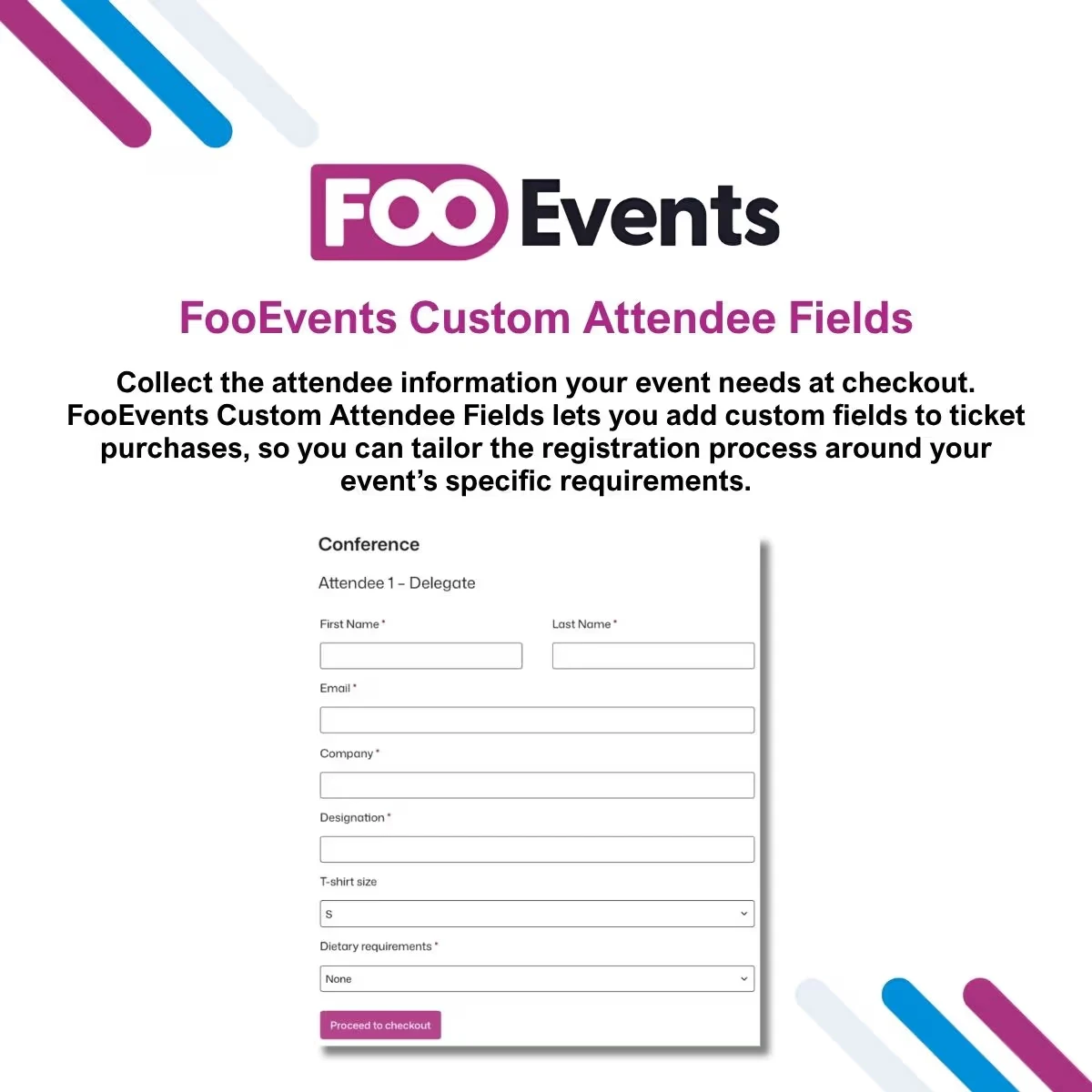
FooEvents Custom Attendee Fields is a WooCommerce and FooEvents extension that helps event organizers collect additional information from attendees during the ticket purchase or registration process. Standard checkout fields may not always provide enough information for a specific event. This extension allows you to add additional attendee data requirements so organizers can gather information relevant to their particular event, class, conference, workshop, training program, or other scheduled activity.
FooEvents Custom Attendee Fields – Custom Event Registration Data Plugin (GPL Licensed) FooEvents Custom Attendee Fields is a WooCommerce and FooEvents extension that helps event organizers collect additional information from attendees during the ticket purchase or registration process. Standard checkout fields may not always provide enough information for a specific event. This extension allows you to add additional attendee data requirements so organizers can gather information relevant to their particular event, class, conference, workshop, training program, or other scheduled activity.
Depending on your event requirements, additional registration information can help with attendee preparation, event planning, customer communication, and on-site management. The package available through 5ivecode.com is distributed under applicable GNU General Public License (GPL) terms and includes lifetime free updates and limited email support, subject to the applicable package terms. 🚀 Feature Highlights ✅ Custom Attendee Fields – Add additional information fields to your FooEvents registration workflow. ✅ Flexible Data Collection – Collect event-specific details that are not covered by standard checkout information. ✅ Personalized Registration – Adapt registration forms to the requirements of different events. ✅ WooCommerce Integration – Designed to work within a WooCommerce-powered event registration environment. ✅ FooEvents Compatibility – Extends attendee registration functionality provided through the FooEvents ecosystem. ✅ Better Event Preparation – Gather useful attendee information before the event takes place. ✅ Reduced Manual Follow-Up – Capture required information during registration instead of relying entirely on separate communications. ✅ Useful for Multiple Event Types – Suitable for conferences, workshops, classes, training sessions, competitions, and other ticket-based activities. ✅ GPL Distribution – The package available through 5ivecode.com is distributed under applicable GPL terms with lifetime free updates and limited email support. 📖 Detailed Overview Different events require different attendee information. A conference may need company or job information, while a workshop could require participant preferences or special requirements.
A training program may need additional participant details that are not normally included in a standard WooCommerce checkout. FooEvents Custom Attendee Fields provides a way to extend the registration process so organizers can request additional information that is relevant to their event. Instead of collecting extra details through separate emails, spreadsheets, or manual forms, organizers can incorporate additional data collection into the registration workflow supported by their WooCommerce and FooEvents setup.
Examples of Attendee Information Depending on your configuration and applicable data-protection requirements, you may use custom fields for information such as: Company or organization details Participant preferences Dietary requirements Special event requirements Emergency contact information Participant questions Course or workshop-related information Competition or activity details Other event-specific registration data The exact field types and available functionality depend on the plugin version and configuration. 🎯 Suitable Use Cases FooEvents Custom Attendee Fields can be useful for: 🏢 Conferences & Seminars Collect additional participant information that can assist with event preparation and attendee management. 🎓 Training & Education Gather course-specific details from students, trainees, or workshop participants during registration. 🛠️ Workshops & Classes Ask participants for preferences, requirements, or other information relevant to the activity. 🏆 Sports & Competitions Collect participant information needed for event administration and preparation. 🎟️ Ticket-Based Events Extend the registration process beyond basic customer and billing information. 👥 Community Events Gather additional details from attendees before meetings, gatherings, and community activities. 📊 FooEvents Custom Attendee Fields vs. Other Approaches Feature FooEvents Custom Attendee Fields Standard Registration Custom Development Additional Attendee Fields ✔ Limited ✔ Event-Specific Data Collection ✔ Limited ✔ WooCommerce Workflow ✔ Designed for integration ✔ Requires development FooEvents Compatibility ✔ Depends on setup Requires integration Registration Customization ✔ Basic Highly customizable WordPress-Based Management ✔ ✔ ✔ Programming Required Generally no No Yes Development Time Lower Low Higher Maintenance Requirements Plugin-based Low Higher
Get Support
Please Sign In to contact our support.