🎃 Halloween Sale — Scary Good Deals, Up to 20% OFF! Don't be spooked by these prices — grab them before they disappear at midnight.
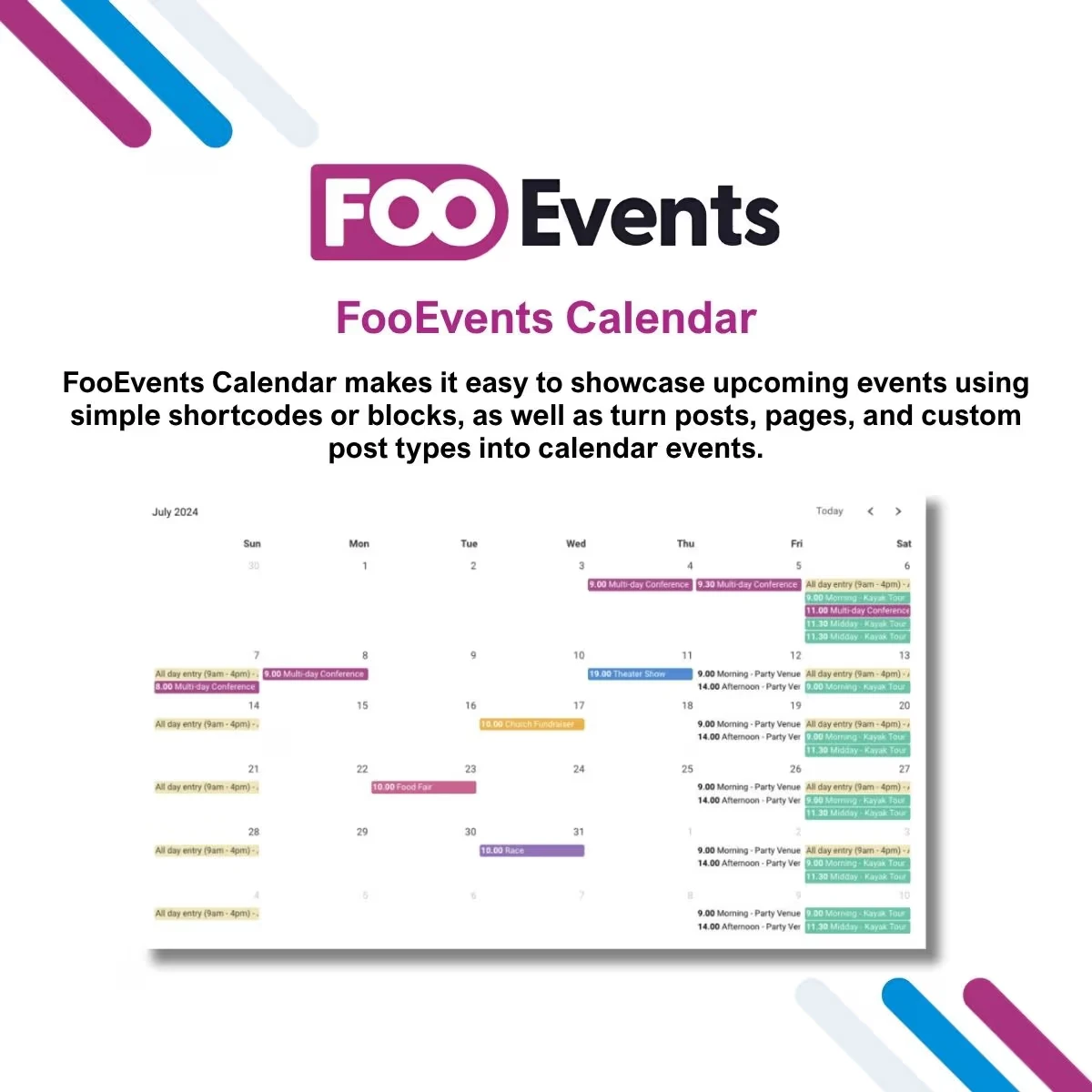
FooEvents Calendar is a WordPress calendar extension built for websites that use WooCommerce and FooEvents to create and manage events. It gives businesses and event organizers a convenient way to present upcoming events in a structured calendar interface, making dates, schedules, and event information easier for visitors to explore. By bringing event scheduling and calendar presentation into your WordPress website, FooEvents Calendar can help create a more organized experience for customers while keeping event-related information connected to your existing WooCommerce workflow.
FooEvents Calendar – WooCommerce Event Calendar Plugin (GPL Licensed) FooEvents Calendar is a WordPress calendar extension built for websites that use WooCommerce and FooEvents to create and manage events. It gives businesses and event organizers a convenient way to present upcoming events in a structured calendar interface, making dates, schedules, and event information easier for visitors to explore. By bringing event scheduling and calendar presentation into your WordPress website, FooEvents Calendar can help create a more organized experience for customers while keeping event-related information connected to your existing WooCommerce workflow.
It can be useful for a wide range of event-based businesses and organizations, including conferences, workshops, courses, training programs, tours, exhibitions, classes, entertainment events, and community activities. The package available through 5ivecode.com is distributed under applicable GNU General Public License (GPL) terms and includes lifetime free updates and limited email support, subject to the applicable offering terms. 🚀 Feature Highlights 📅 Interactive Event Calendar – Present WooCommerce and FooEvents events in an easy-to-browse calendar format. 🎟️ FooEvents Integration – Designed to work alongside the FooEvents event management ecosystem. 🗓️ Clear Event Scheduling – Give visitors a convenient way to review event dates and upcoming activities. ⚙️ WordPress-Based Management – Manage event-related information from within your WordPress environment. 📱 Responsive Presentation – Provide a calendar experience suitable for desktop, tablet, and mobile visitors. 🏢 Business-Friendly Event Display – Suitable for classes, conferences, workshops, tours, training sessions, and other scheduled activities. 🔍 Better Event Discoverability – Make upcoming dates easier for customers to find and understand. 🔄 GPL Distribution – The package available through 5ivecode.com is distributed under applicable GPL terms with lifetime free updates and limited email support. 📖 Detailed Overview Managing several events can become difficult when dates and schedules are displayed in an inconsistent or confusing way. FooEvents Calendar provides a visual calendar-based approach that helps organize scheduled activities and gives website visitors a straightforward way to browse event dates.
Instead of directing customers to an external calendar service, you can present event information directly through your WordPress website. When used together with WooCommerce and FooEvents, the calendar can complement an event workflow involving products, ticket sales, registrations, and attendee management. Visitors can use the calendar presentation to identify upcoming activities and explore scheduled events, while administrators can maintain event information within their existing WordPress environment.
Suitable Use Cases FooEvents Calendar can be a useful option for: Conference and seminar organizers Training institutes and educational businesses Workshop and class providers Tour and activity operators Community groups and organizations Entertainment and event companies WooCommerce stores selling event-related products Businesses offering scheduled appointments or activities Organizations managing recurring or date-based programs A well-organized calendar can make event information easier to understand and can provide customers with a more convenient starting point for discovering available activities. 📊 FooEvents Calendar vs. Alternative Approaches Feature FooEvents Calendar Basic Calendar Plugin Custom Event Development WooCommerce Integration ✔ Designed for WooCommerce workflows Varies Requires development FooEvents Compatibility ✔ Designed for FooEvents Usually unavailable Requires custom integration Calendar-Based Event Display ✔ ✔ Custom Event Schedule Presentation ✔ Basic to moderate Custom Responsive Experience ✔ Designed for modern websites Depends on plugin Requires testing WordPress Integration ✔ ✔ Requires development Suitable for Event Businesses ✔ Depends on features ✔ Development Effort Low Low High Custom Programming Required Generally no Generally no Yes
Get Support
Please Sign In to contact our support.