🎃 Halloween Sale — Scary Good Deals, Up to 20% OFF! Don't be spooked by these prices — grab them before they disappear at midnight.
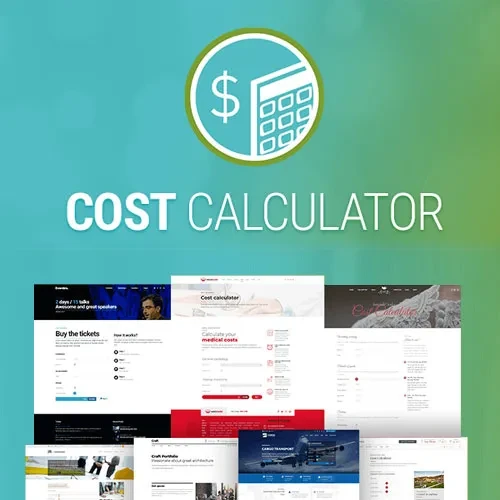
Cost Calculator by BoldThemes is a WordPress plugin designed to help website owners create interactive cost calculators and price estimation forms. It allows visitors to select products, services, quantities, and other available options to receive estimated prices based on their choices. Whether you operate a service-based business, construction company, agency, consulting website, or online business, a cost calculator can help visitors understand potential expenses before contacting your team. With configurable calculator fields and dynamic pricing options, you can create a more engaging way for customers to explore your services and request a quotation.
Cost Calculator by BoldThemes – Interactive Price Calculator for WordPress
Cost Calculator by BoldThemes is a WordPress plugin designed to help website owners create interactive cost calculators and price estimation forms. It allows visitors to select products, services, quantities, and other available options to receive estimated prices based on their choices.
Whether you operate a service-based business, construction company, agency, consulting website, or online business, a cost calculator can help visitors understand potential expenses before contacting your team. With configurable calculator fields and dynamic pricing options, you can create a more engaging way for customers to explore your services and request a quotation.
Interactive Cost Calculators – Build calculators that allow visitors to customize their selections.
Price Estimation Forms – Present estimated costs through an interactive form.
Dynamic Price Calculation – Update price estimates according to selected options and configured values.
Custom Calculator Fields – Organize calculator inputs around your business requirements.
Service and Product Options – Let customers choose from available services, products, or packages.
Conditional Pricing – Configure pricing behavior based on supported selections and conditions.
Checkboxes and Select Fields – Provide convenient input options for customer preferences.
Quantity-Based Calculations – Calculate estimates using quantities and configured pricing rules.
Responsive Calculator Layouts – Create calculator experiences suited to different screen sizes.
Quote Request Support – Help visitors move from a price estimate toward a quotation inquiry.
Create interactive calculators that help visitors explore different service or product configurations. Instead of displaying only fixed prices, you can give customers a way to select relevant options and view an estimate based on the values you configure.
Price estimation forms allow customers to provide the information needed to calculate an approximate cost. They can be useful for businesses whose pricing depends on project requirements, service selections, quantities, or additional options.
Dynamic pricing calculations help update the displayed estimate when visitors change supported inputs. By configuring prices and calculation rules, you can make estimates more relevant to the selections customers make within the calculator.
Build calculator forms around the information your business needs. Customizable fields can help organize inputs for different products, services, packages, or project specifications, depending on the available field settings.
Allow visitors to select from the services or products you offer. This is particularly helpful when customers need to combine multiple options or customize a package before viewing the estimated total.
Conditional pricing can help you configure different cost outcomes for supported choices. For example, a service estimate may depend on the selected package, additional features, or other configured pricing conditions.
The available conditional rules depend on the plugin version and its supported calculation settings.
Use checkboxes and selection fields to make calculator forms easier to navigate. These inputs can let visitors choose additional services, select a preferred package, or specify options that affect the final estimate.
For services or products priced according to quantity, quantity-based calculations can help produce estimates using the selected amount and configured pricing values. This can be useful for material estimates, bulk services, and other quantity-dependent projects.
A calculator should be convenient to use on desktop computers, tablets, and mobile devices. Responsive layouts help present input fields and price information in a format that suits different screen sizes.
A cost calculator can serve as the first step in a customer inquiry process. Visitors can explore an estimated price and then proceed to request a quotation, subject to the form and submission features configured on your website.
Get Support
Please Sign In to contact our support.