🎃 Halloween Sale — Scary Good Deals, Up to 20% OFF! Don't be spooked by these prices — grab them before they disappear at midnight.
Cart Upsell for WooCommerce is a conversion-focused solution that helps online store owners increase their average order value (AOV) by presenting relevant upsell and cross-sell recommendations directly on the cart page. It is suitable for WooCommerce businesses, marketers, store managers, and developers who want to encourage customers to add complementary products before completing their purchases.
Cart Upsell for WooCommerce Cart Upsell for WooCommerce is a conversion-focused solution that helps online store owners increase their average order value (AOV) by presenting relevant upsell and cross-sell recommendations directly on the cart page. It is suitable for WooCommerce businesses, marketers, store managers, and developers who want to encourage customers to add complementary products before completing their purchases. 🛒 Key Features ✔️ Create targeted cart upsell and cross-sell offers ✔️ Designed specifically for WooCommerce stores ✔️ Build flexible offer rules and conditions ✔️ Responsive layout for desktop, tablet, and mobile devices ✔️ Lightweight implementation for better website performance ✔️ Compatible with a wide range of WooCommerce themes ✔️ Display recommendations dynamically on the cart page ✔️ Developer-friendly structure for customization and extensions 📘 Detailed Overview Cart Upsell for WooCommerce helps store owners generate additional sales by recommending suitable products while customers are reviewing their shopping cart. Showing relevant products at this stage can encourage shoppers to purchase complementary items or upgrade their order before proceeding to checkout.
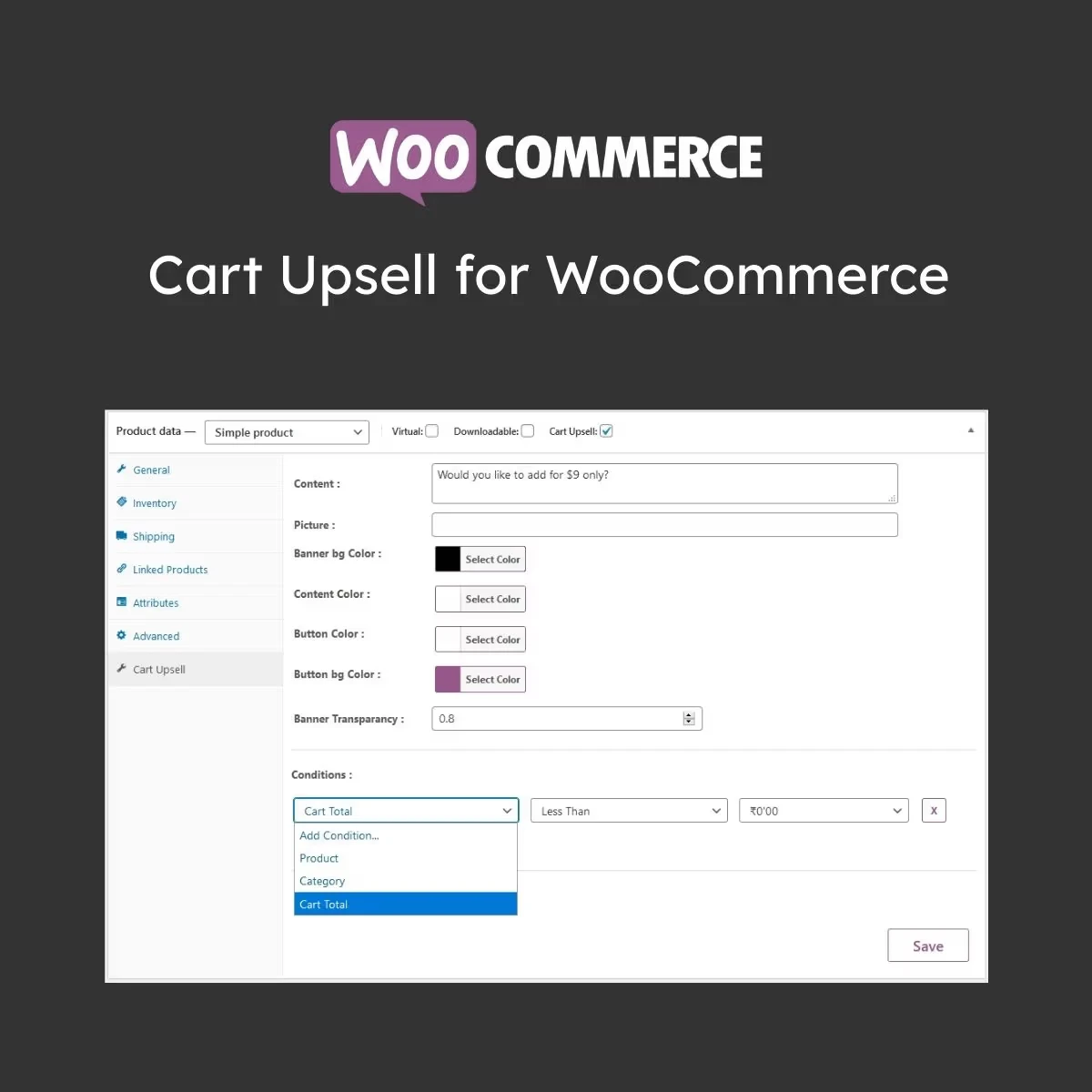
The plugin provides flexible options for defining when an offer should appear. Store owners can configure promotional conditions using factors such as specific products, product categories, cart totals, and other cart-related criteria. You can use these offers to recommend accessories, promote related products, showcase popular items, encourage higher-value purchases, or help move selected inventory.
This gives you greater control over how additional products are presented to customers. The solution is designed with performance and usability in mind. Its lightweight approach helps maintain a smooth shopping experience while allowing upsell recommendations to integrate naturally with your existing WooCommerce store and theme.
Feature Cart Upsell for WooCommerce Other Upsell Solutions Upsell Targeting
✅ Flexible targeting conditions
⚠️ May offer limited rules Performance
✅ Lightweight implementation
⚠️ Can be resource-intensive Theme Integration
✅ Designed for broad theme compatibility
⚠️ Compatibility may vary Offer Customization
✅ Multiple configuration options
⚠️ May provide fewer controls Customer Experience
✅ Designed for a smooth cart experience
❌ Some solutions rely on intrusive displays
Get Support
Please Sign In to contact our support.