🎃 Halloween Sale — Scary Good Deals, Up to 20% OFF! Don't be spooked by these prices — grab them before they disappear at midnight.
Admin Order Modifier for WooCommerce is a practical order-management extension that gives store administrators greater flexibility when handling existing WooCommerce orders. It allows authorized administrators to update order information after an order has been created, making it easier to correct mistakes, adjust customer details, change products, and maintain accurate order records. The plugin is useful for WooCommerce store owners, support teams, developers, and agencies that regularly need to make changes to orders without canceling and recreating them.
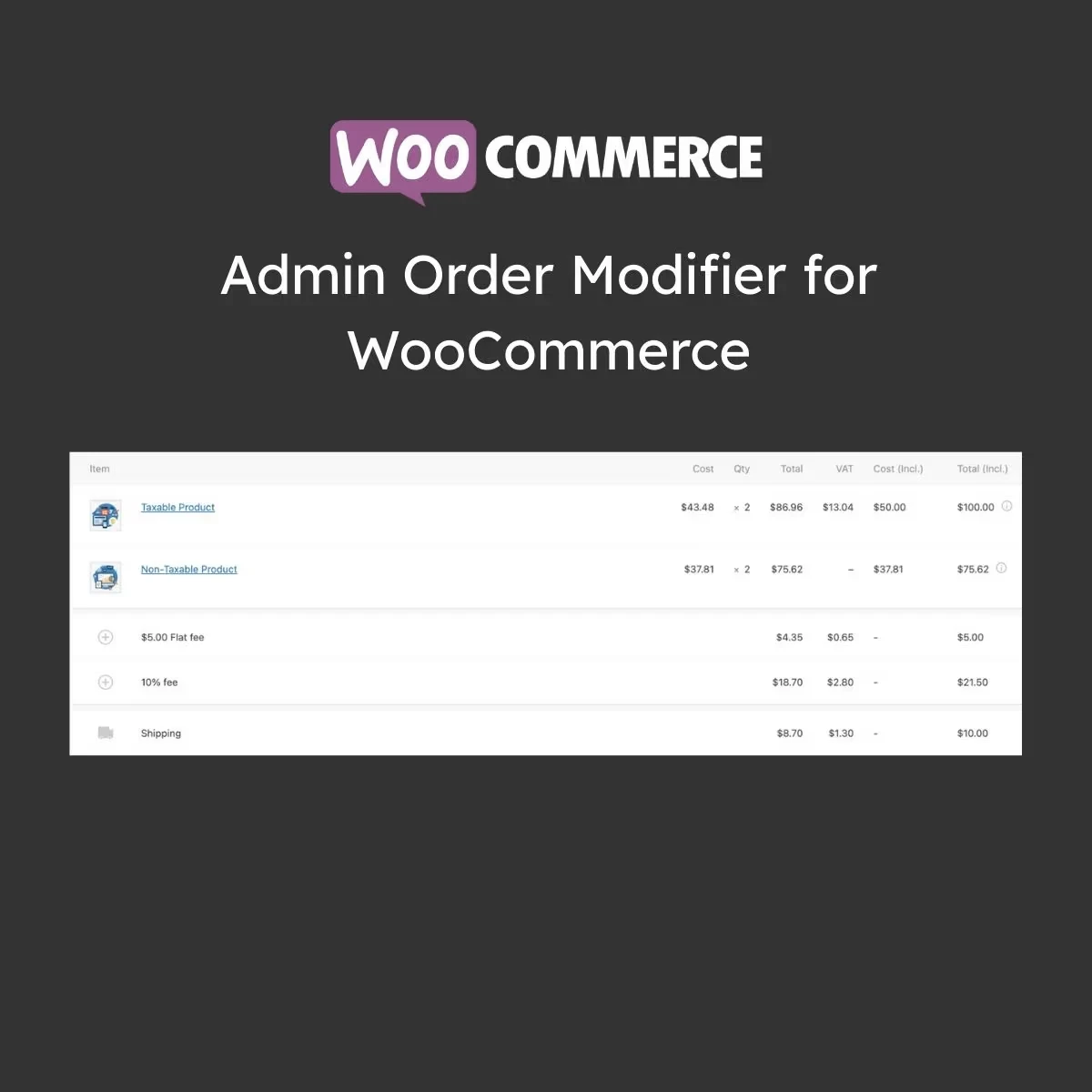
Admin Order Modifier for WooCommerce Admin Order Modifier for WooCommerce is a practical order-management extension that gives store administrators greater flexibility when handling existing WooCommerce orders. It allows authorized administrators to update order information after an order has been created, making it easier to correct mistakes, adjust customer details, change products, and maintain accurate order records. The plugin is useful for WooCommerce store owners, support teams, developers, and agencies that regularly need to make changes to orders without canceling and recreating them. ⚙️ Key Features ✔️ Edit existing WooCommerce orders from the administration area ✔️ Change customer information after an order has been placed ✔️ Modify products and item quantities within an order ✔️ Update billing and shipping information ✔️ Add or remove items from existing orders ✔️ Recalculate order totals after modifications ✔️ Manage order information from the WooCommerce dashboard ✔️ Lightweight design intended to minimize unnecessary performance impact ✔️ Designed to work alongside WooCommerce and compatible extensions 📘 Detailed Overview Order information sometimes needs to be changed after a customer completes a purchase.
A customer may provide an incorrect address, request a different quantity, need another product added, or require a correction to their contact information. Admin Order Modifier for WooCommerce provides administrators with a more convenient way to handle these situations from the WordPress dashboard. Instead of canceling an existing order and creating a replacement, administrators can edit supported order information directly.
Depending on the available configuration, you can adjust products, quantities, customer information, billing details, shipping information, and other order-related data. The ability to update an order can be particularly useful for customer service teams. Staff can make necessary corrections while keeping the original order workflow organized.
After changes are made, order totals can be recalculated so that the order reflects the updated items and pricing information. The plugin is designed to integrate with the WooCommerce administration environment, providing a familiar workflow for store managers who already use WooCommerce for day-to-day order management. 📊 Comparison Feature Admin Order Modifier Standard WooCommerce Order Management Edit Existing Orders ✅ Flexible order editing ⚠️ Limited by default functionality Customer Information ✅ Update supported details ⚠️ Basic editing options Product Items ✅ Add, remove, or modify items ⚠️ More restricted workflow Quantity Changes ✅ Adjust item quantities ⚠️ Limited workflow Order Totals ✅ Recalculate after changes ⚠️ May require additional steps Order Management ✅ Centralized admin workflow ✅ Built-in order management Customer Support ✅ Easier order corrections ⚠️ May require manual workarounds
Get Support
Please Sign In to contact our support.