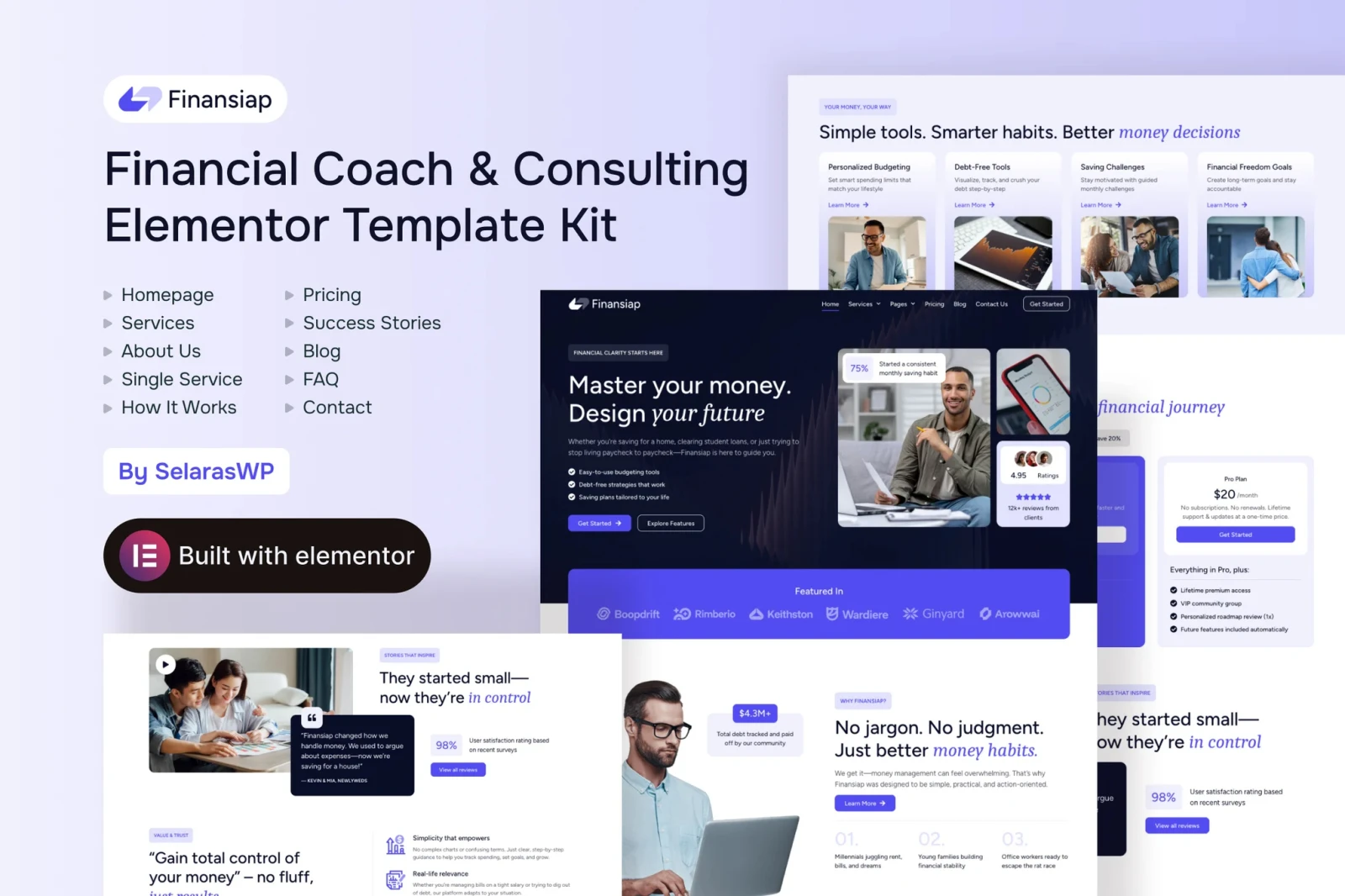
What is FinanSiap Elementor Template Kit?
FinanSiap Elementor Template Kit is a comprehensive Elementor Template Kit designed specifically for financial coaches, consultants, and advisors looking to establish a professional and trustworthy online presence. With its clean, modern design and robust functionalities, FinanSiap provides the essential pages and sections to showcase your services, highlight your expertise, and attract new clients.
The kit includes 10 carefully crafted templates with clean layouts and a content-first approach.
Available page templates
Homepage
About Page
Services Page
Single Service Page
How It’s Work Page
Pricing Page
FAQ’s Page
Success Story Page
Contact us Page
Blog Page
Single Post Page
Archives Page
To use the Theme Builder feature in Elementor, such as customizing the Header and Footer templates, an upgrade to Elementor Pro is required. Please note that Elementor Pro is not included with your Template Kit purchase.
Who is it for?
FinanSiap is built for financial coaches, consultants, and advisors who want a polished WordPress website without starting from a blank page. It also suits WordPress designers looking for a flexible, no-code Elementor toolkit for client projects in the financial coaching space.
Key features
True no-code customization: use the intuitive drag-and-drop visual builder to create unique, personalized websites effortlessly.
Global styling options: customize fonts and colors across your entire site from a single location, or refine individual elements to achieve perfect harmony.
Modern, professional designs: access a collection of sleek, contemporary layouts that elevate the professionalism of any project.
Seamless compatibility: enjoy broad compatibility with most Elementor themes, ensuring a smooth integration process.
Demo image licenses
This Template Kit uses demo images from Envato Elements. You will need to license these images from Envato Elements to use them on your website, or you can substitute them with your own.
Installation guide
Install the Envato Elements plugin. Go to your WordPress dashboard and navigate to Plugins > Add New. Search for and install the “Envato Elements” plugin.
Download your kit. Obtain your kit file and keep it zipped.
Upload the Template Kit. Head over to Elements > Installed Kits and click on “Upload Template Kit.” Alternatively, you can connect your Elements subscription by selecting “Connect Account” and import directly under Elements > Template Kits.
Install requirements. Look for the orange banner at the top of the screen and click “Install Requirements” to load any necessary plugins your kit requires.
Import Global Kit Styles. Begin by clicking “Import” on the Global Kit Styles to ensure consistency throughout your design.
Import individual templates. Proceed to import one template at a time, found in Elementor under Templates > Saved Templates.
Create a new page. Go to Pages in your WordPress dashboard, create a new page, and select “Edit with Elementor.”
Adjust page settings. Click the gear icon at the lower-left corner of the builder, choose “Elementor Full Width,” and hide the page title.
Access My Templates. Click the gray folder icon to access the My Templates tab and import the page you’d like to customize.
Customize with Elementor Pro (optional). If you’re using Elementor Pro, customize headers and footers under the Theme Builder.
For a detailed step-by-step guide, visit How to Upload & Install Elementor Template Kits. For further support, navigate to Elementor > Get Help in the WordPress menu.
Next steps
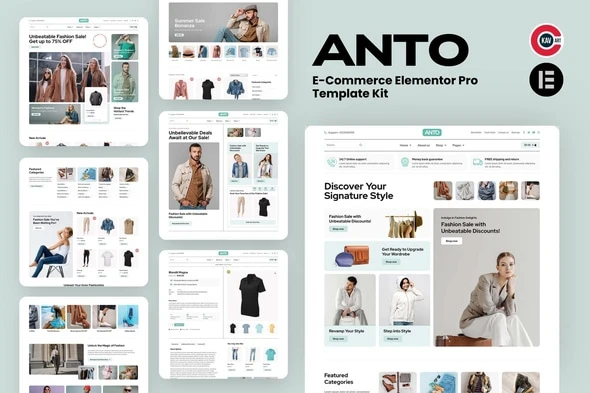
You can preview the layout on the live demo page before you begin. If you also need an online store alongside your coaching site, consider Anto – E-Commerce Elementor Pro Template Kit, which is designed to help you create stylish, high-performing WooCommerce online stores. For a different visual direction, Jexco – Technology & IT Solutions Elementor Template Kit offers a professionally designed layout for technology-focused brands.